
Shop Notion Templates
You found my shop view :)
Here is a quick look at everything I offer!
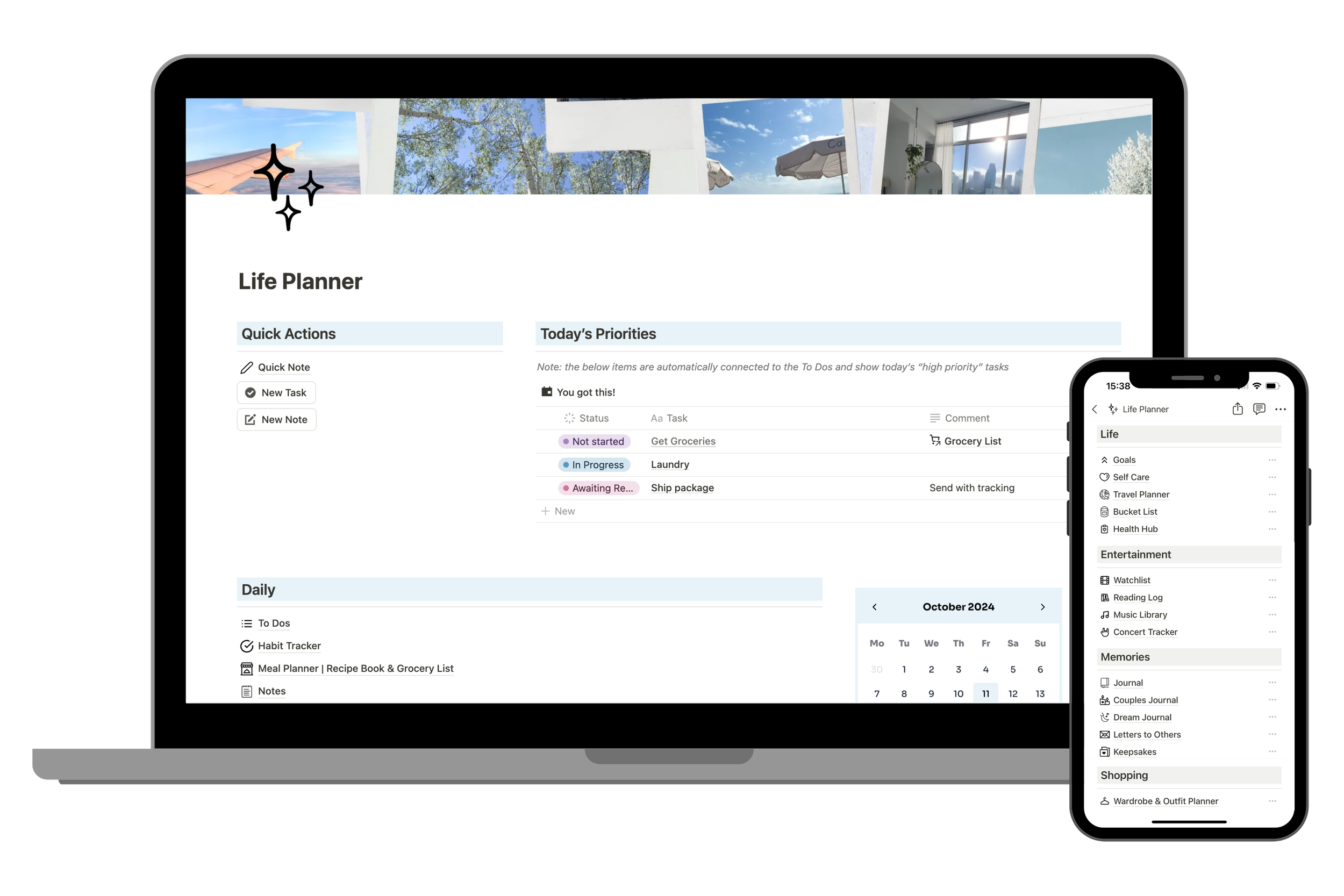
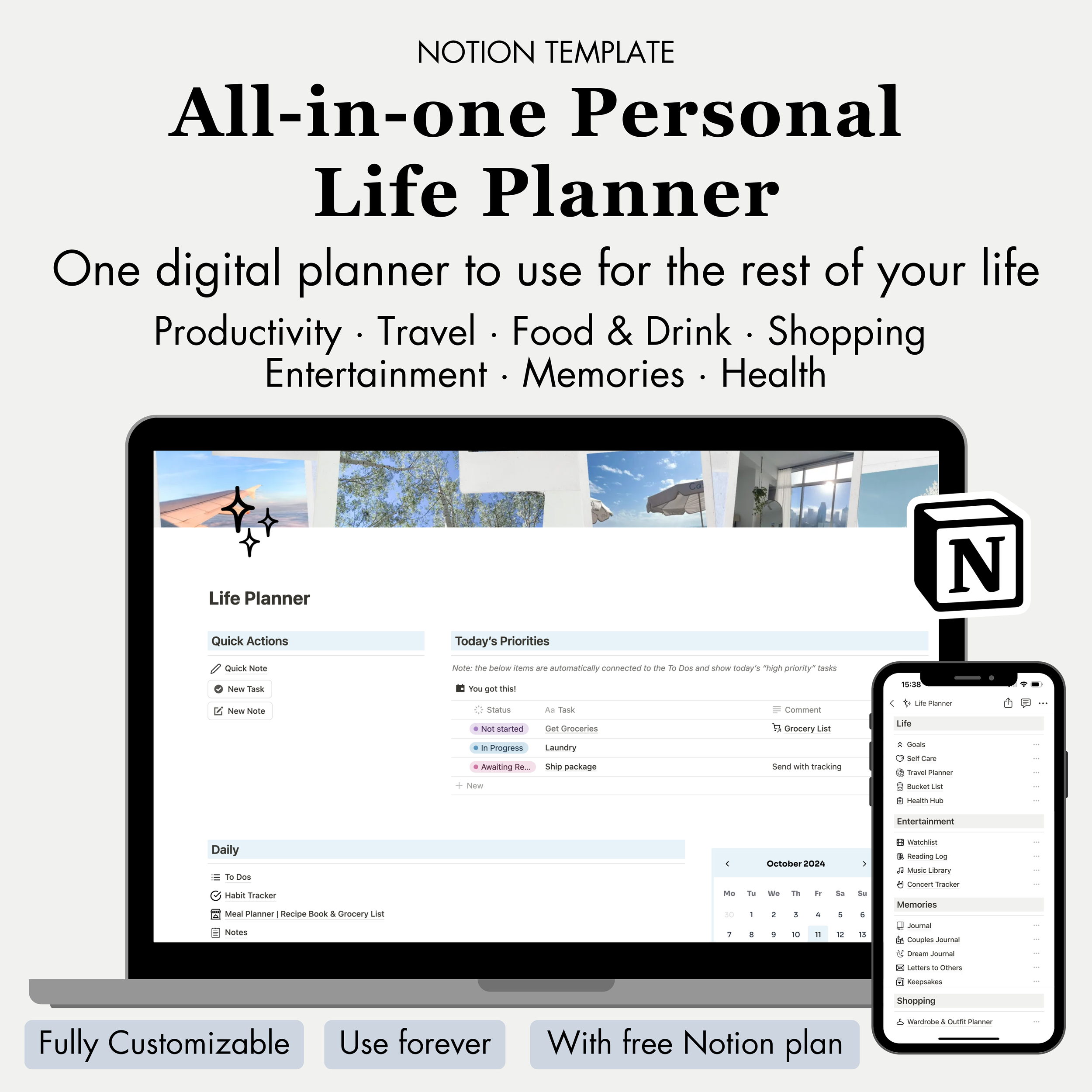
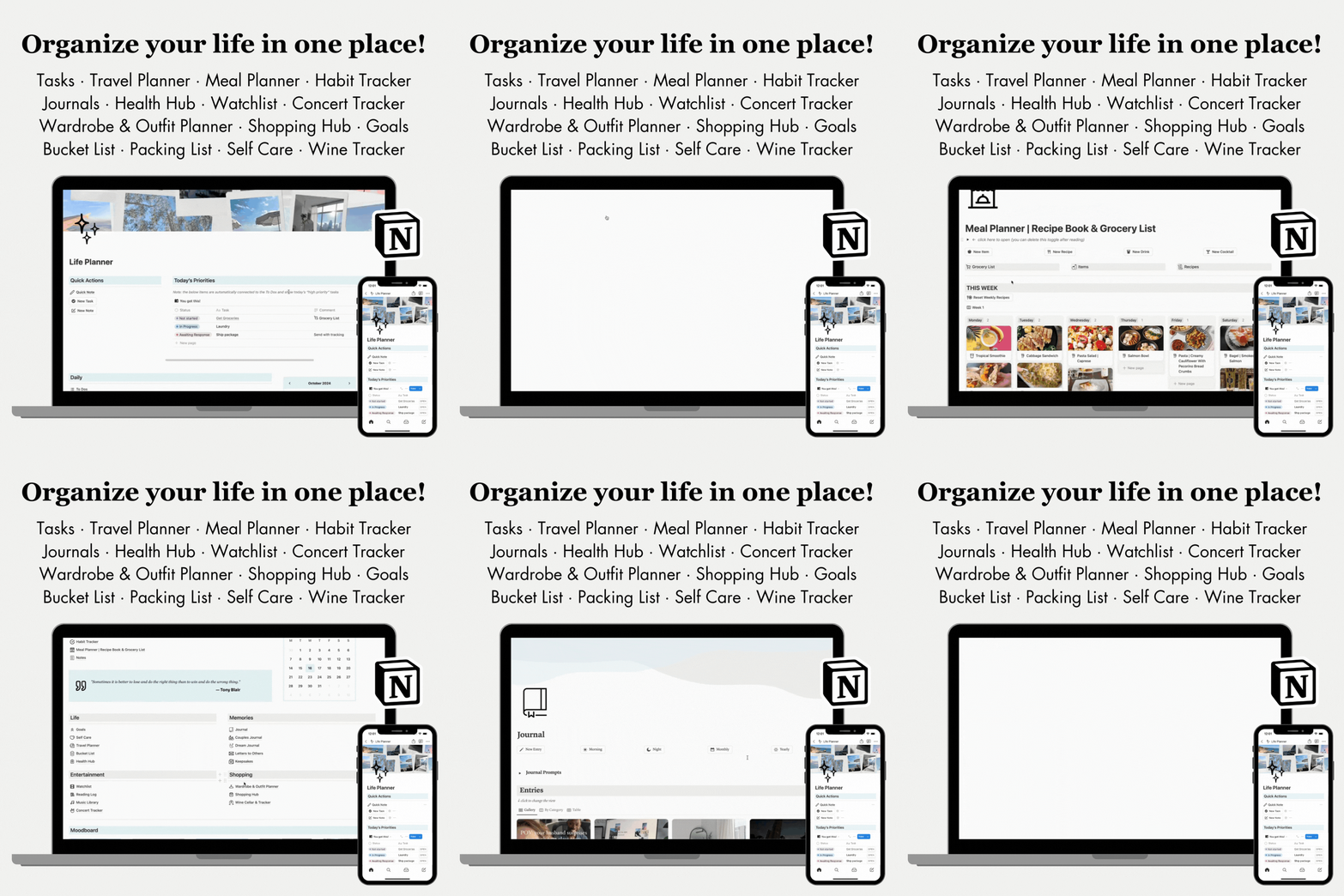
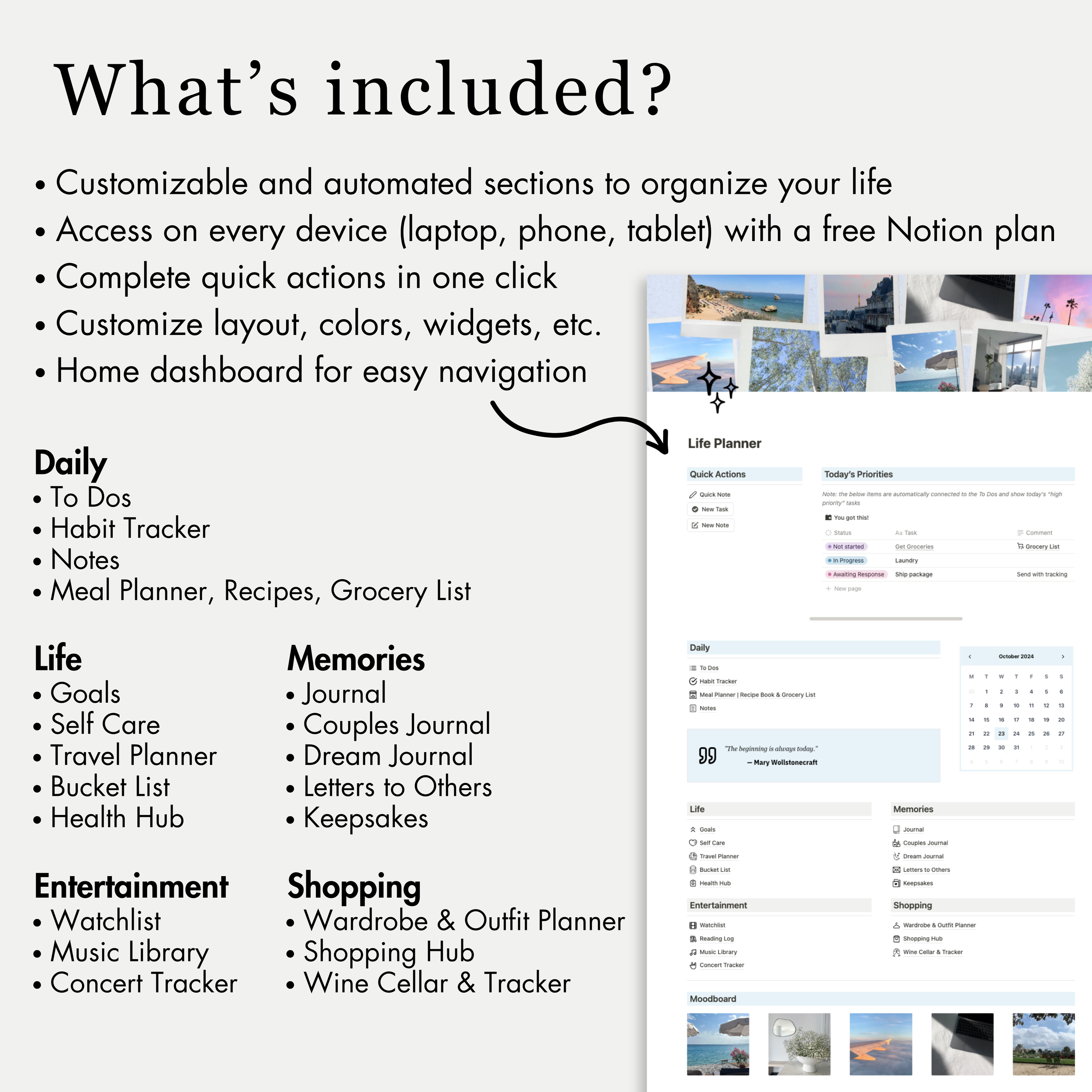







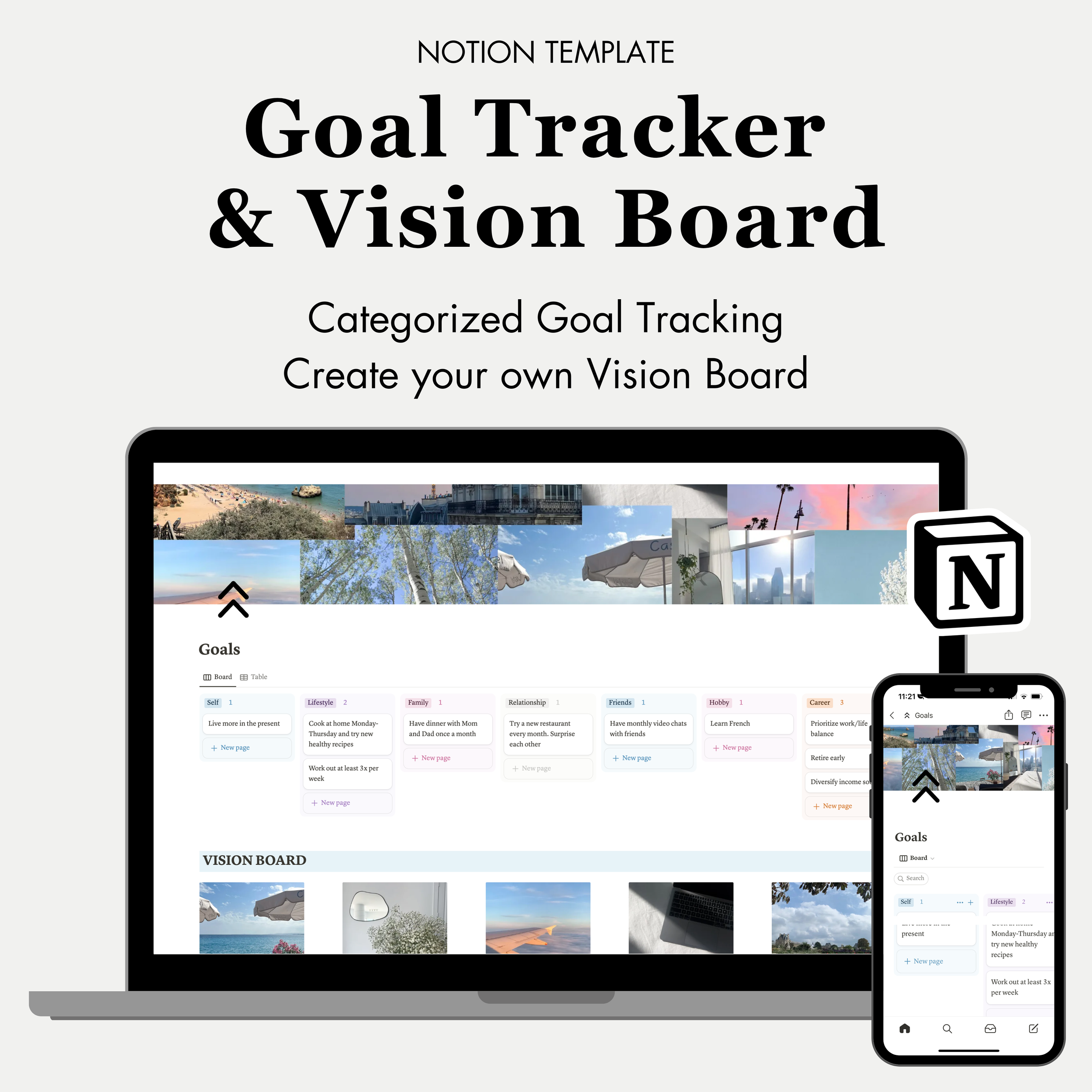

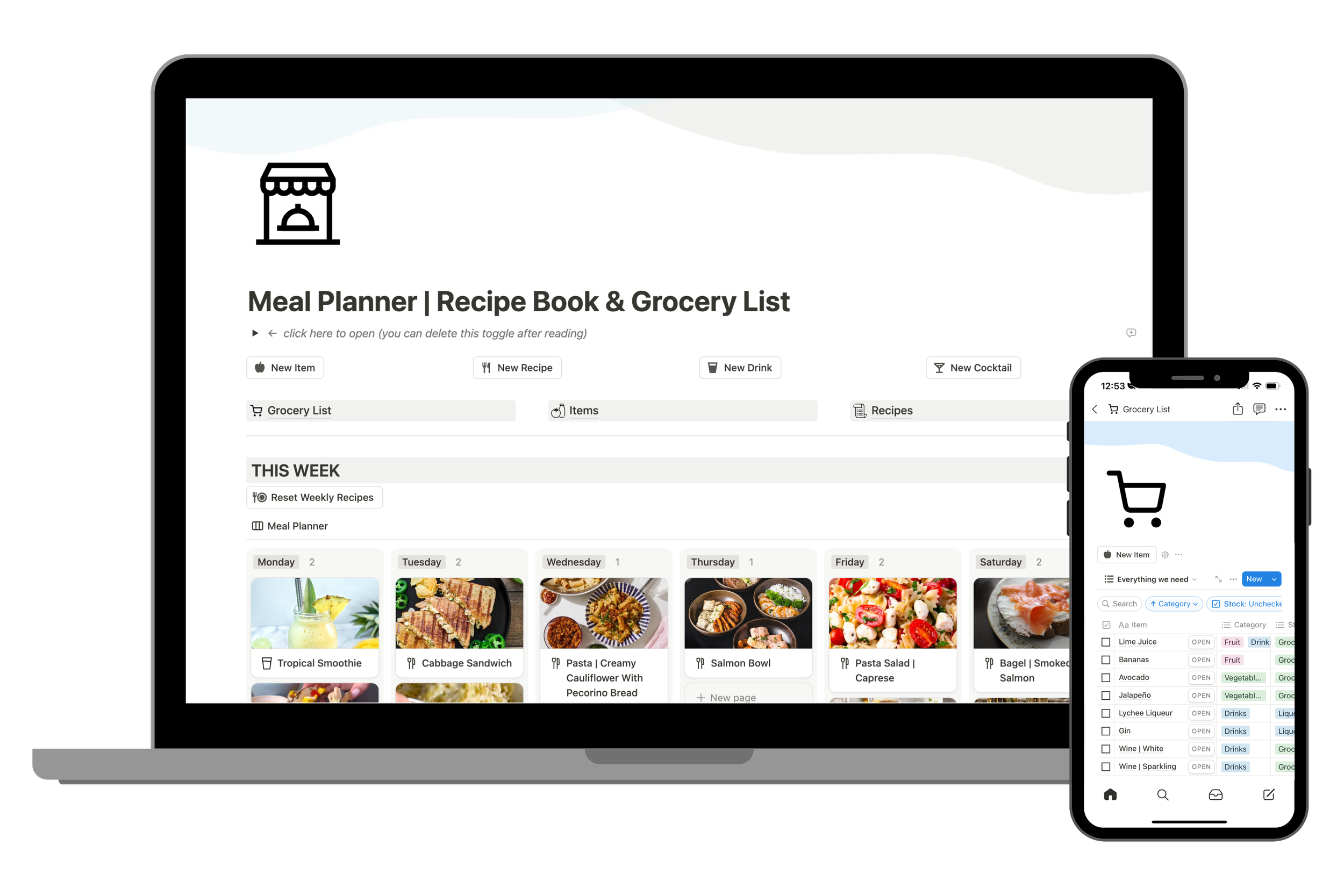

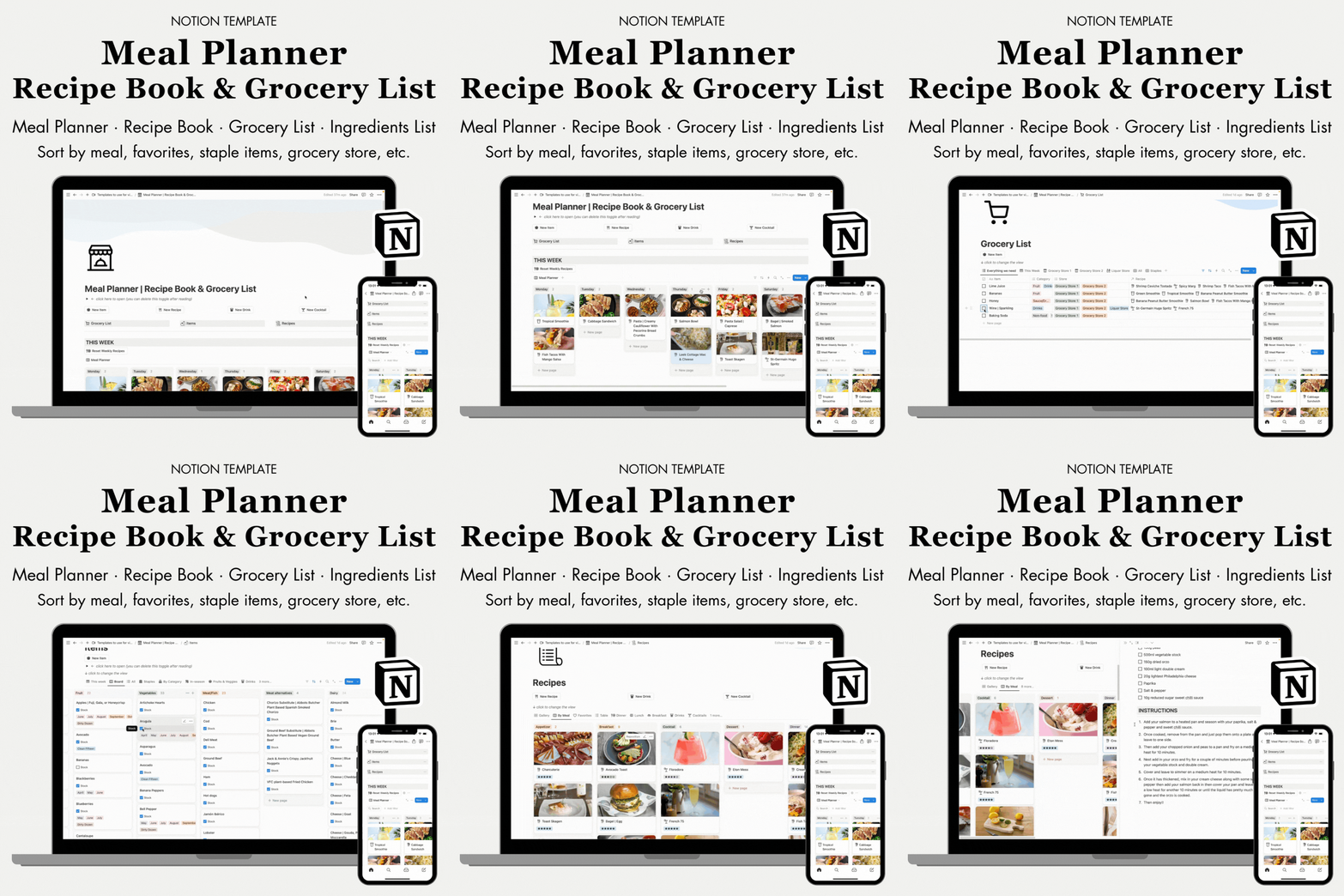



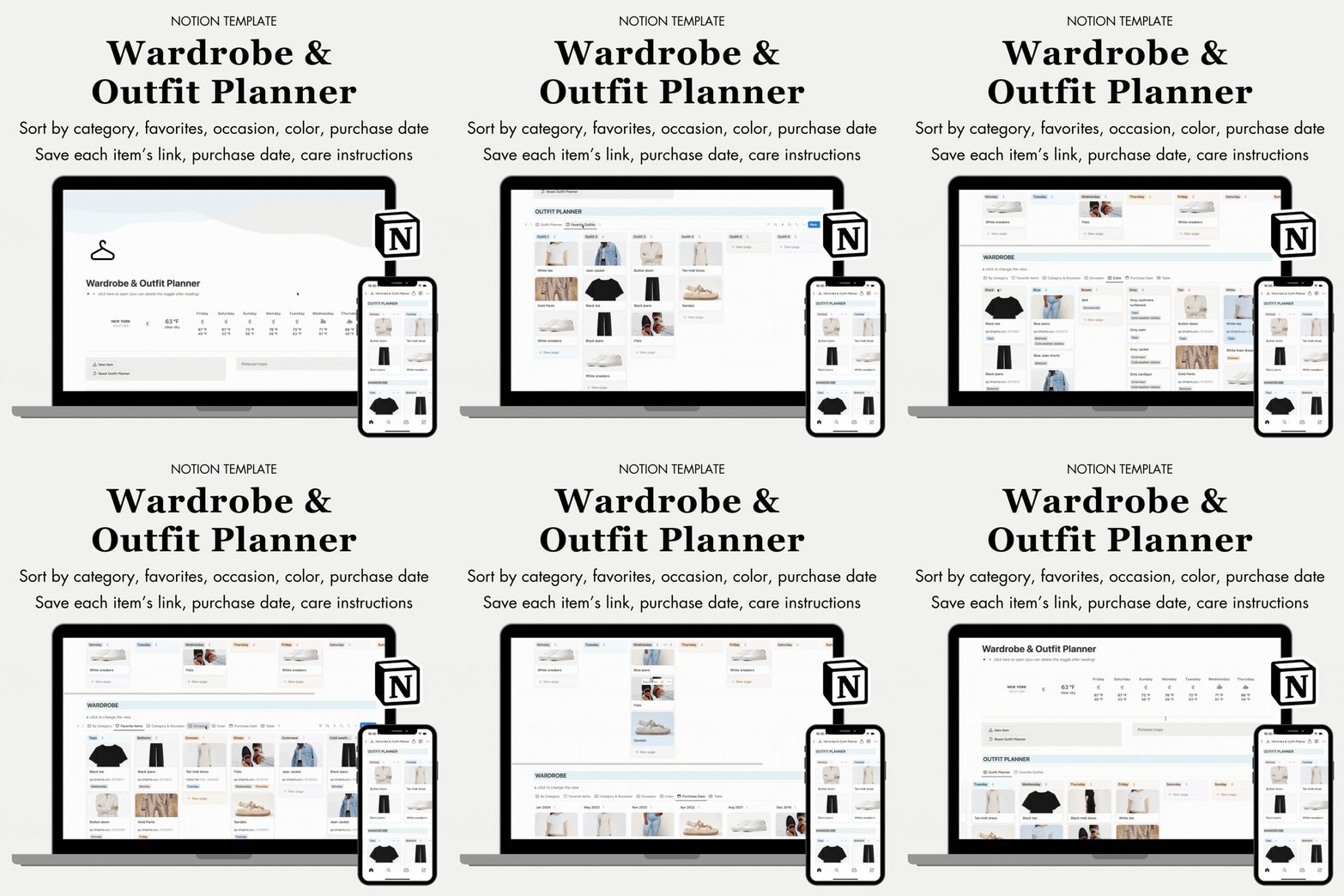
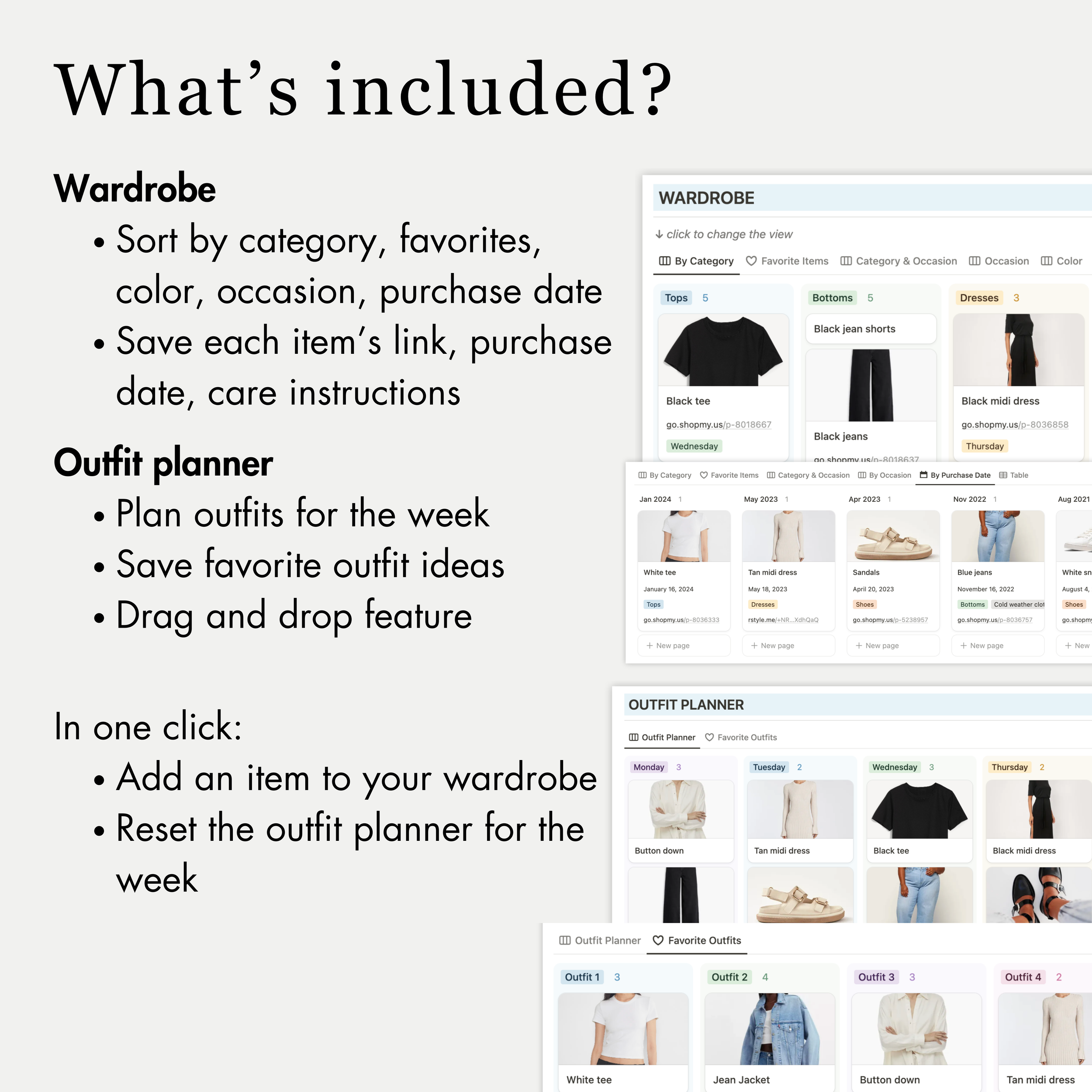
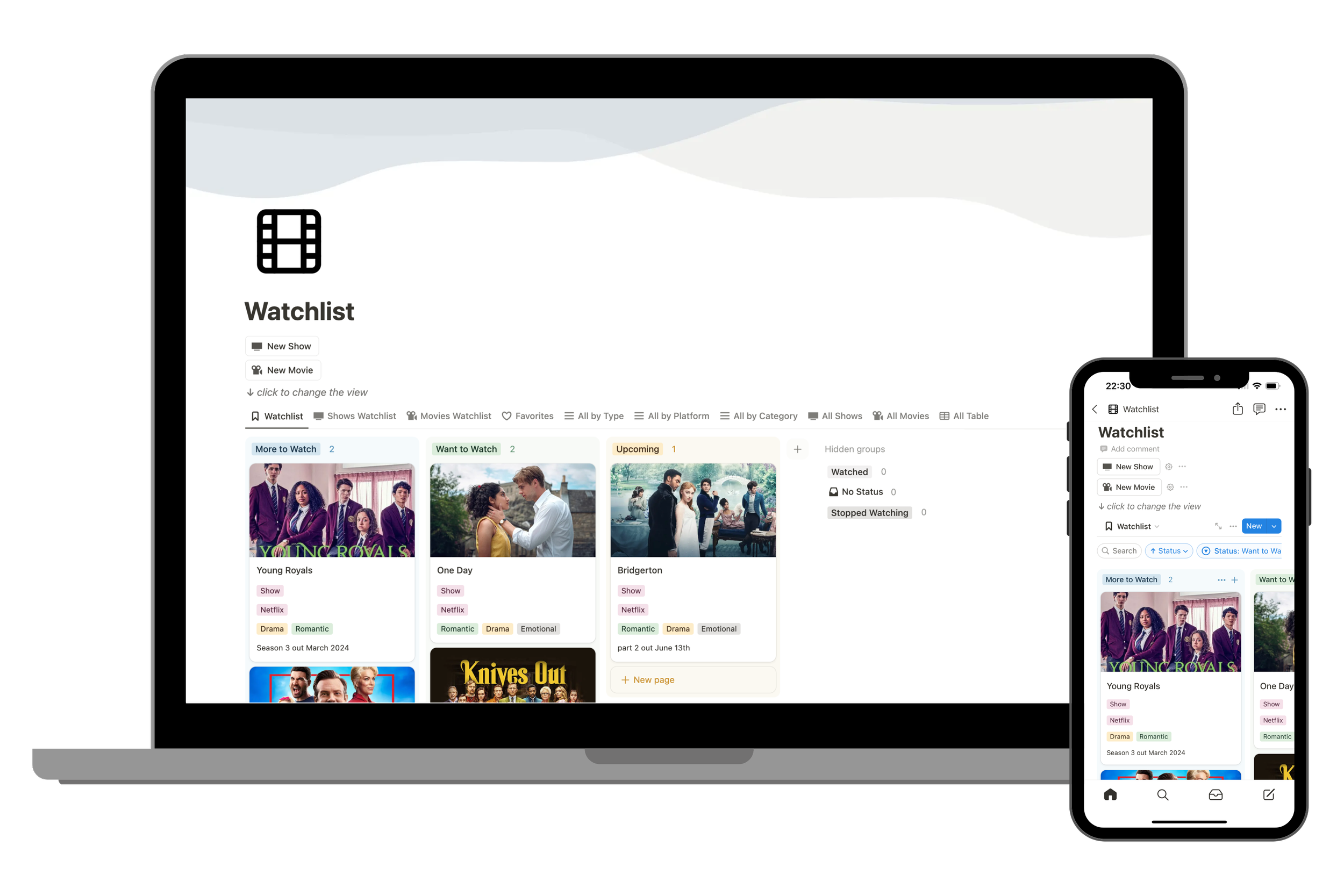

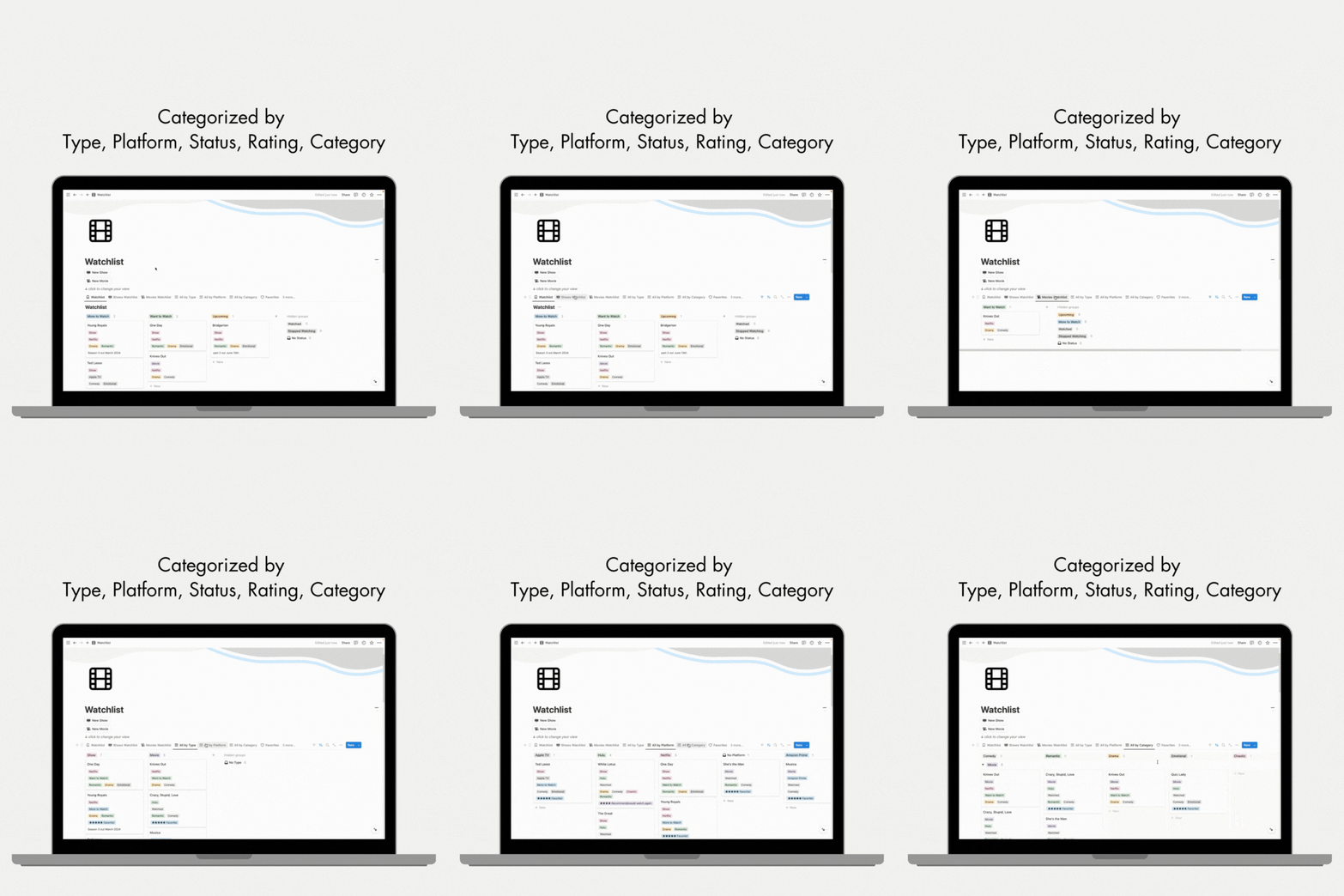
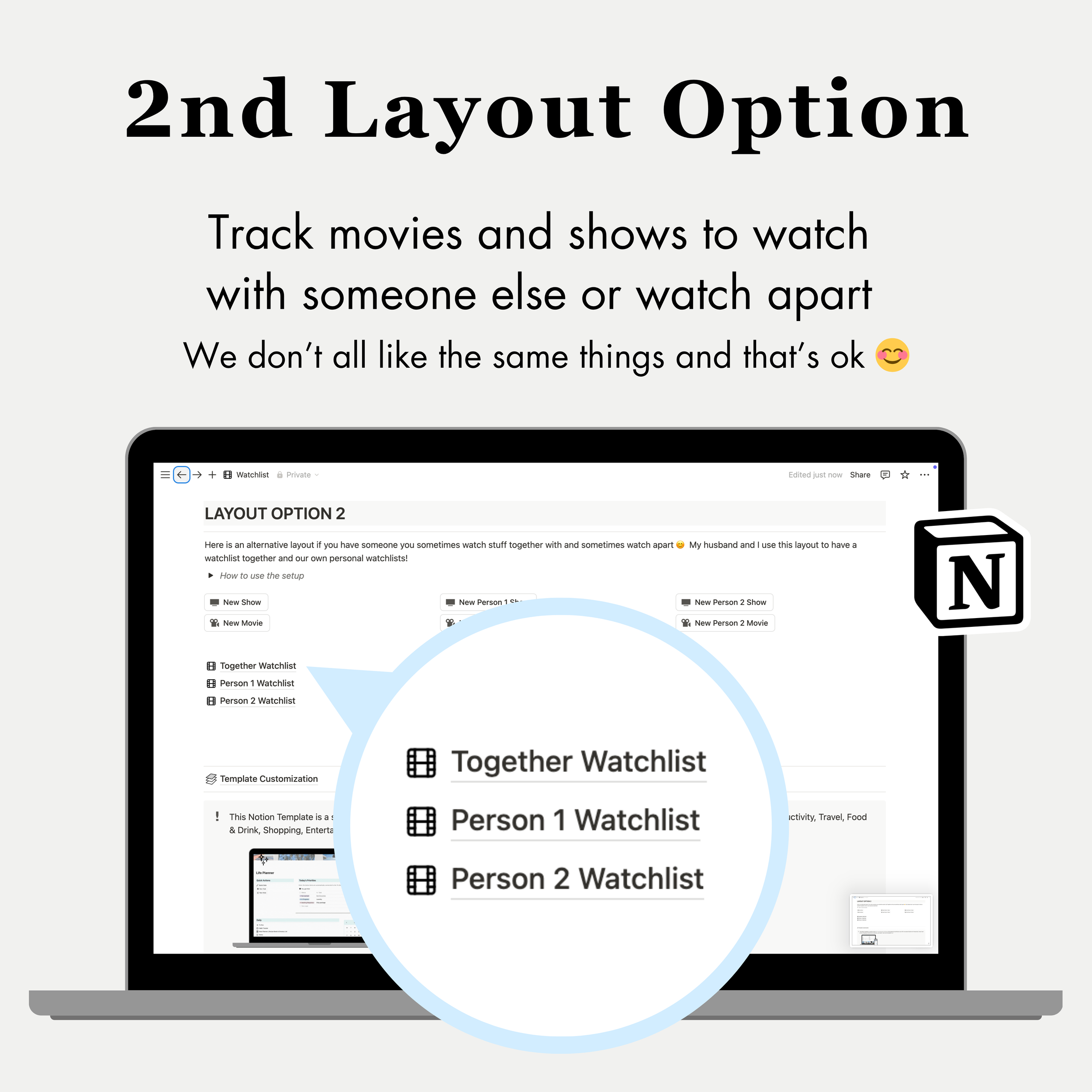
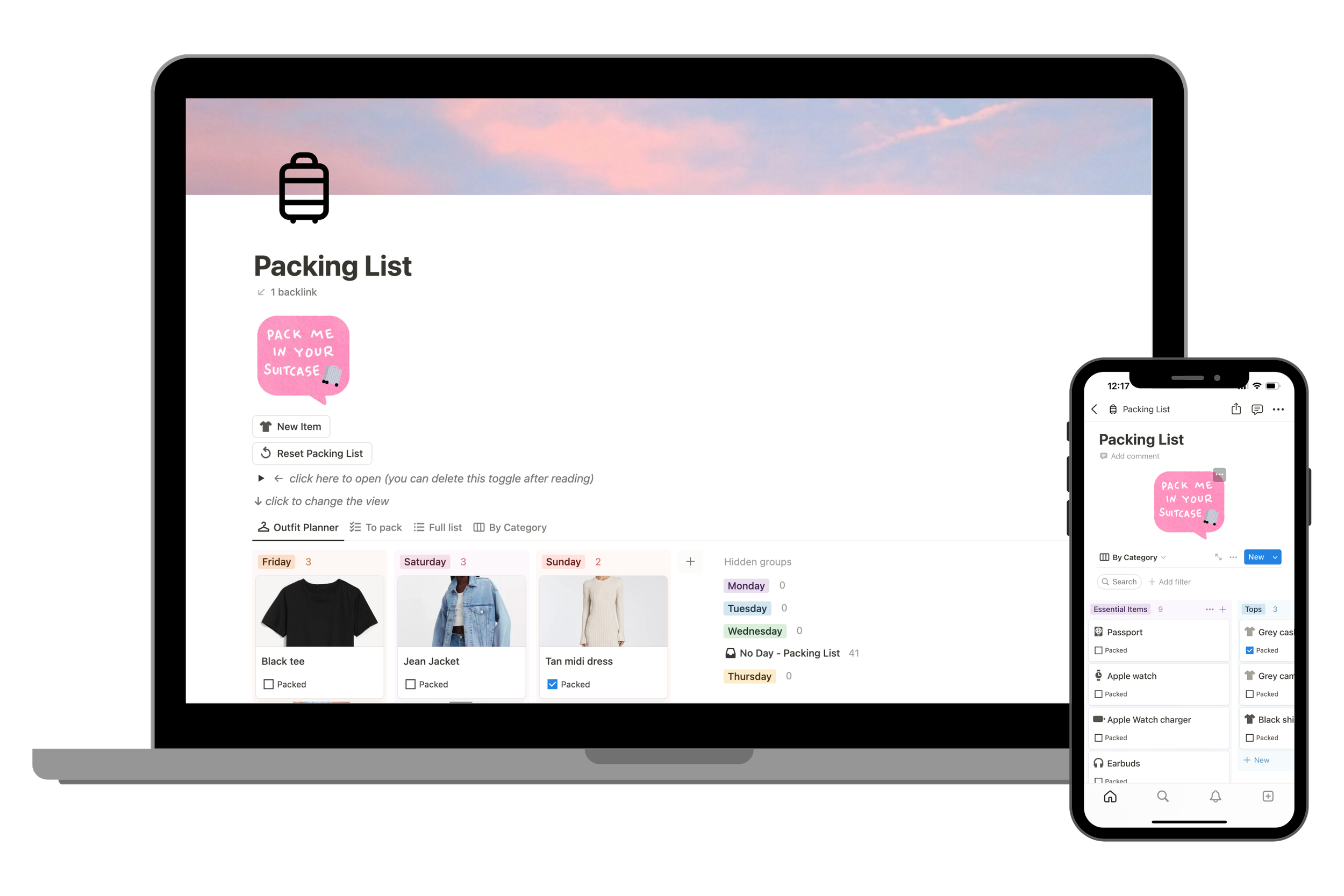

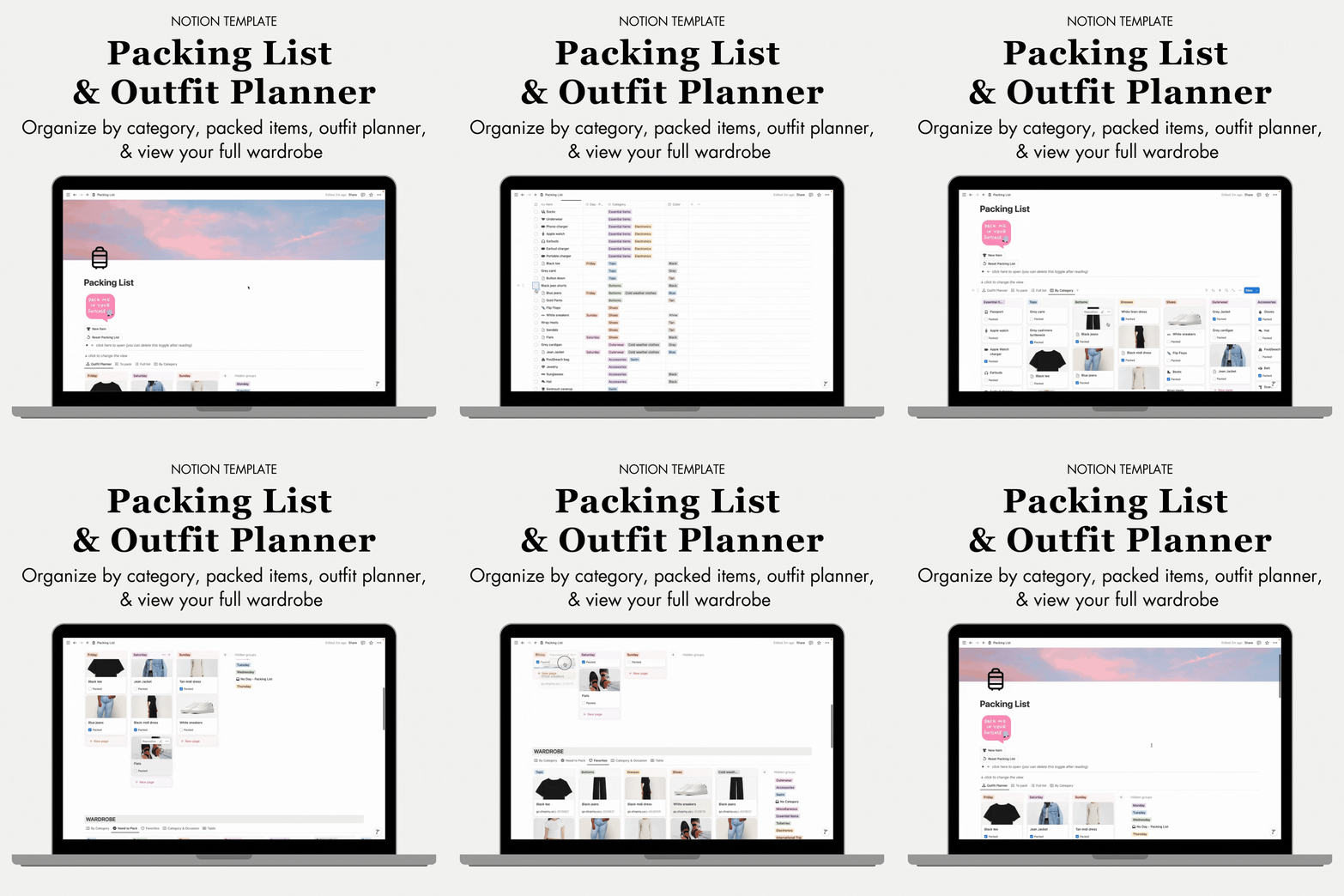


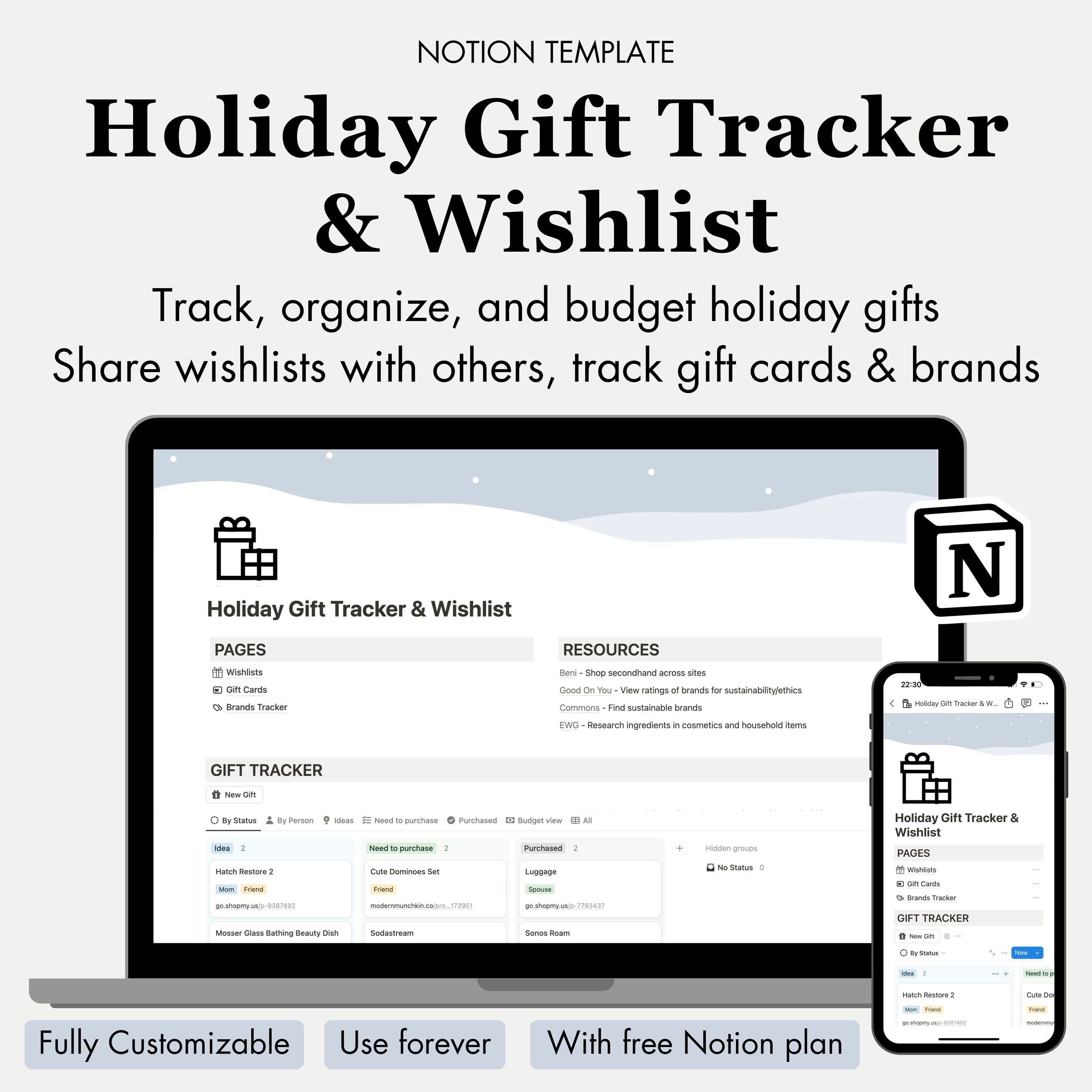
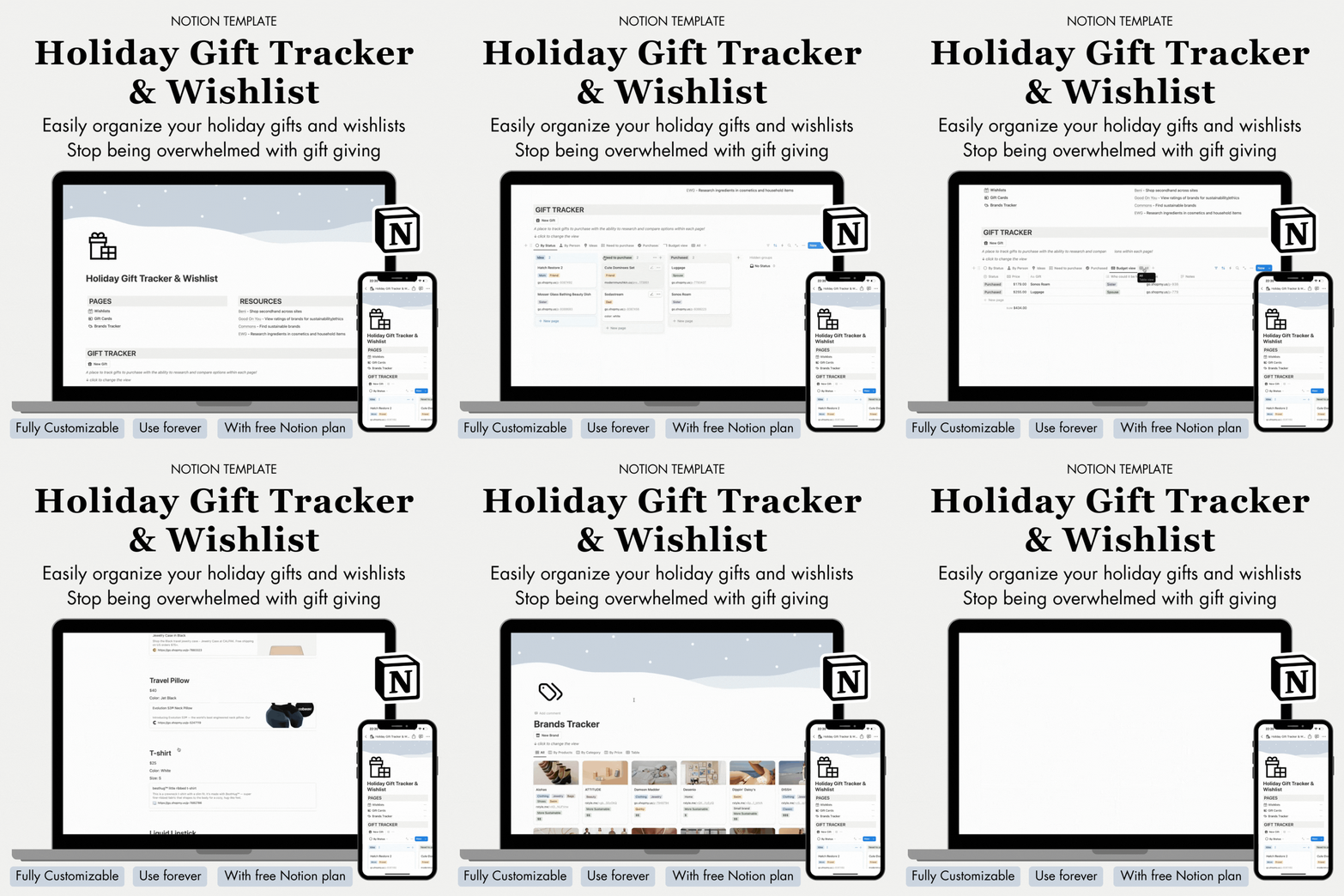
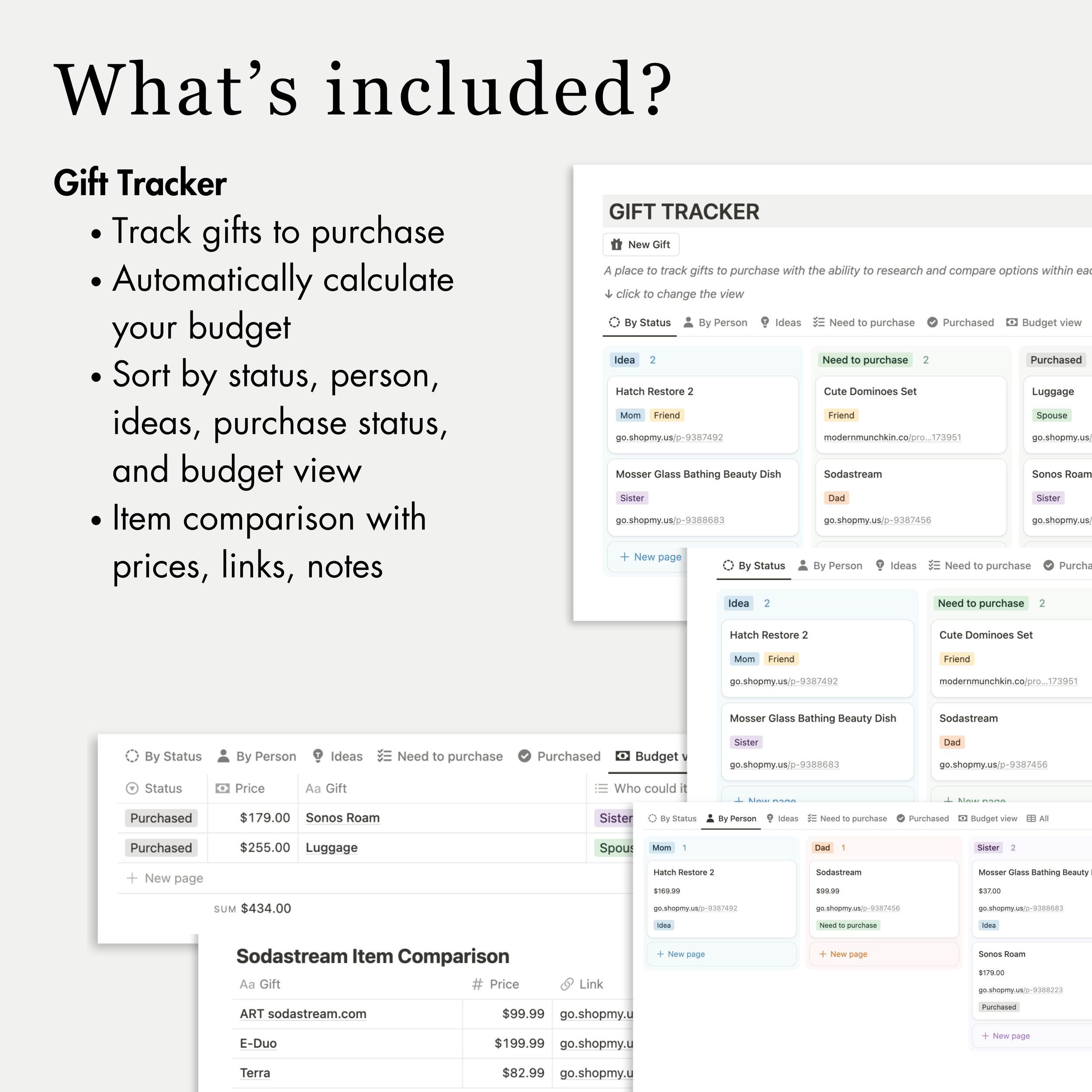


View Notion Templates Pages



I thought I was organized…
until I found Notion


Travel Notion Template, Travel Planner template, Travel planner notion template, packing list notion template, travel journal notion template, all-in-one travel planner & journal notion template, Work notion template,All-in-one Work Productivity Dashboard Notion Template, business planner, business planner notion template, work dashboard, task dashboard, to do list notion template, task dashboard notion template, work dashboard notion template, business notion template, best way to organize work, best to do lists, best notion templates, to-do list, best task organization, watchlist template, personal notion template, best notion templates, ultimate travel planner notion template


Notion is a single platform where you can organize anything you can think of!
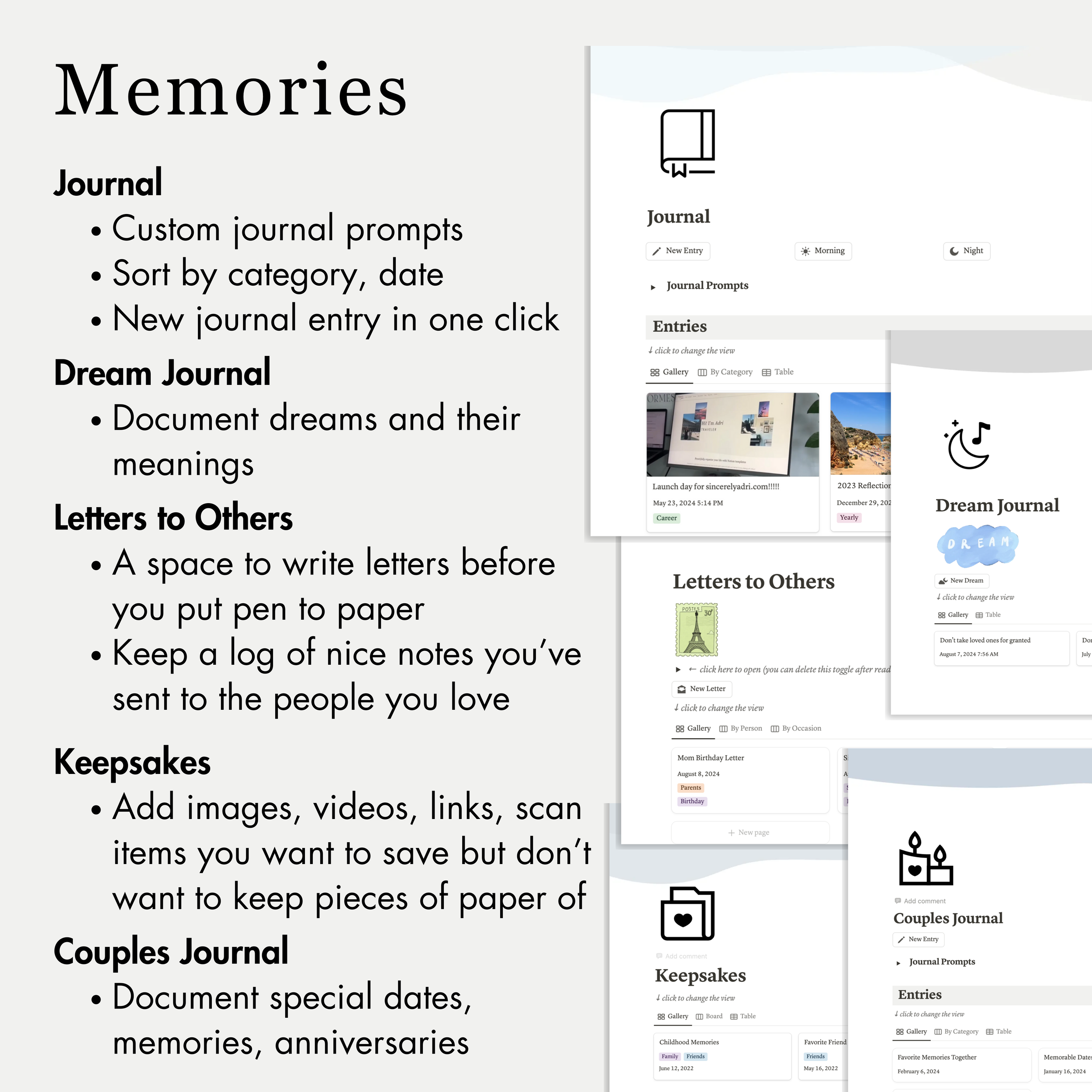
It’s like a combination of project planners, calendars, Google docs/sheets, Pinterest boards, Instagram saved albums, and so much more
It can be used and edited forever! Non-digital planners are only one-time use and so hard to edit
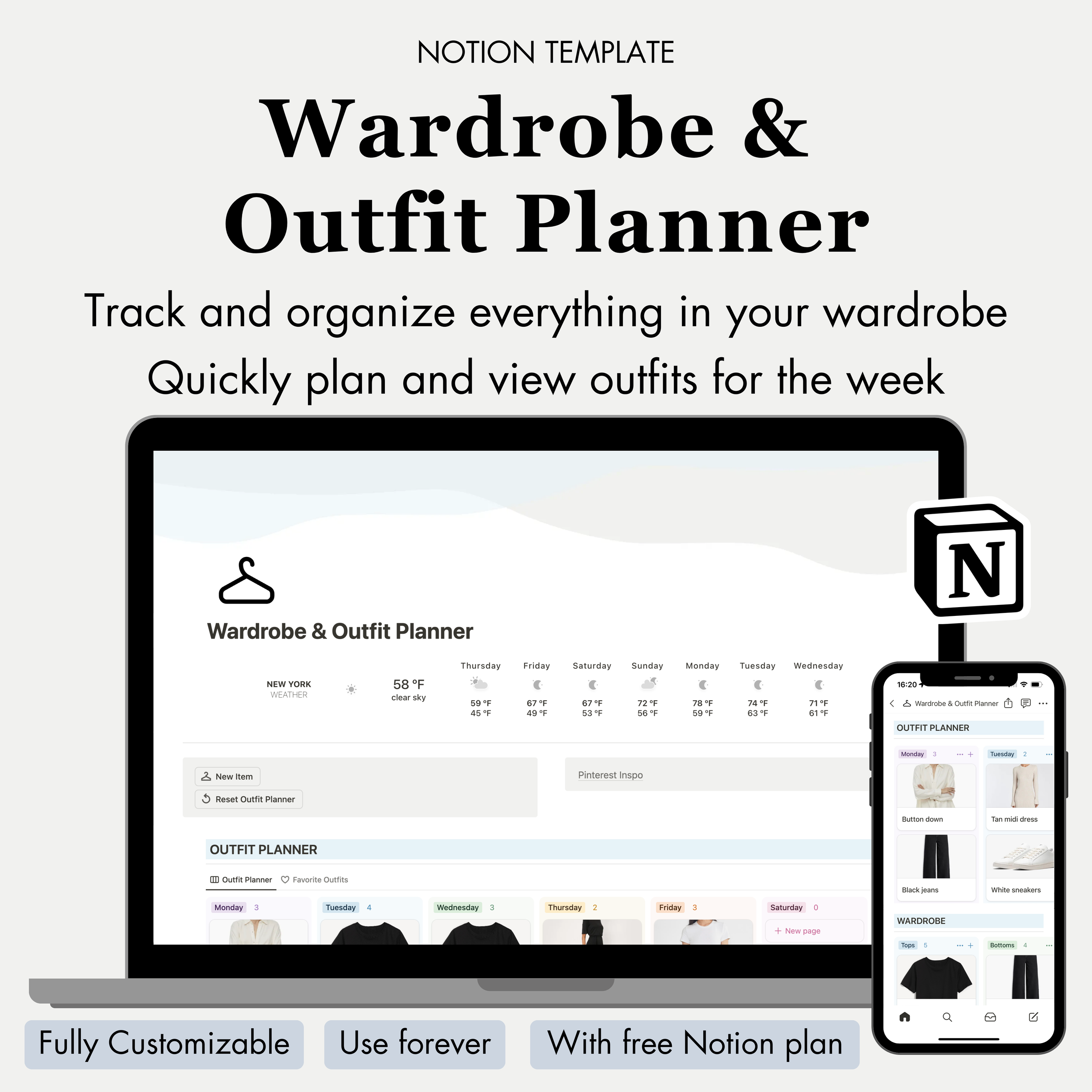
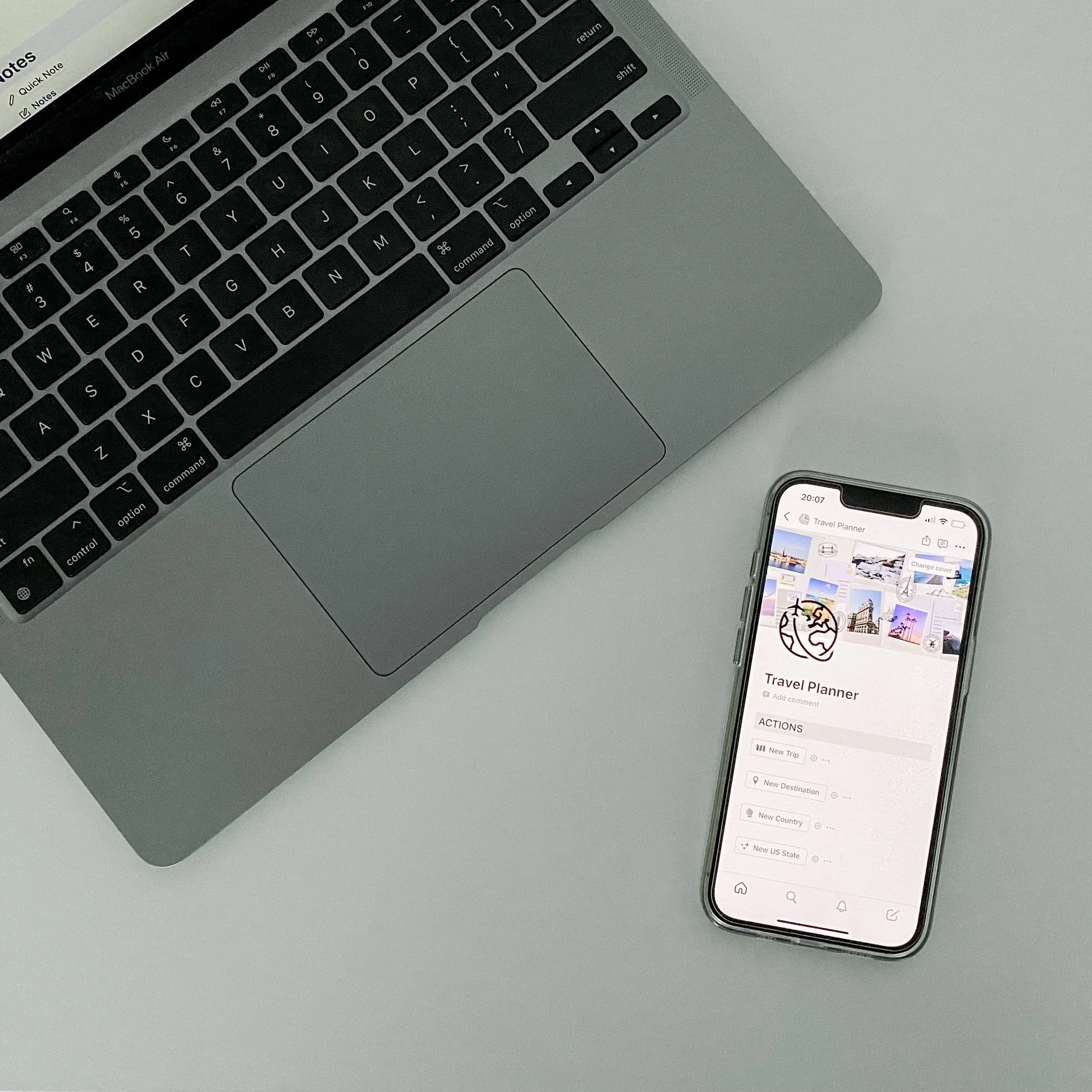
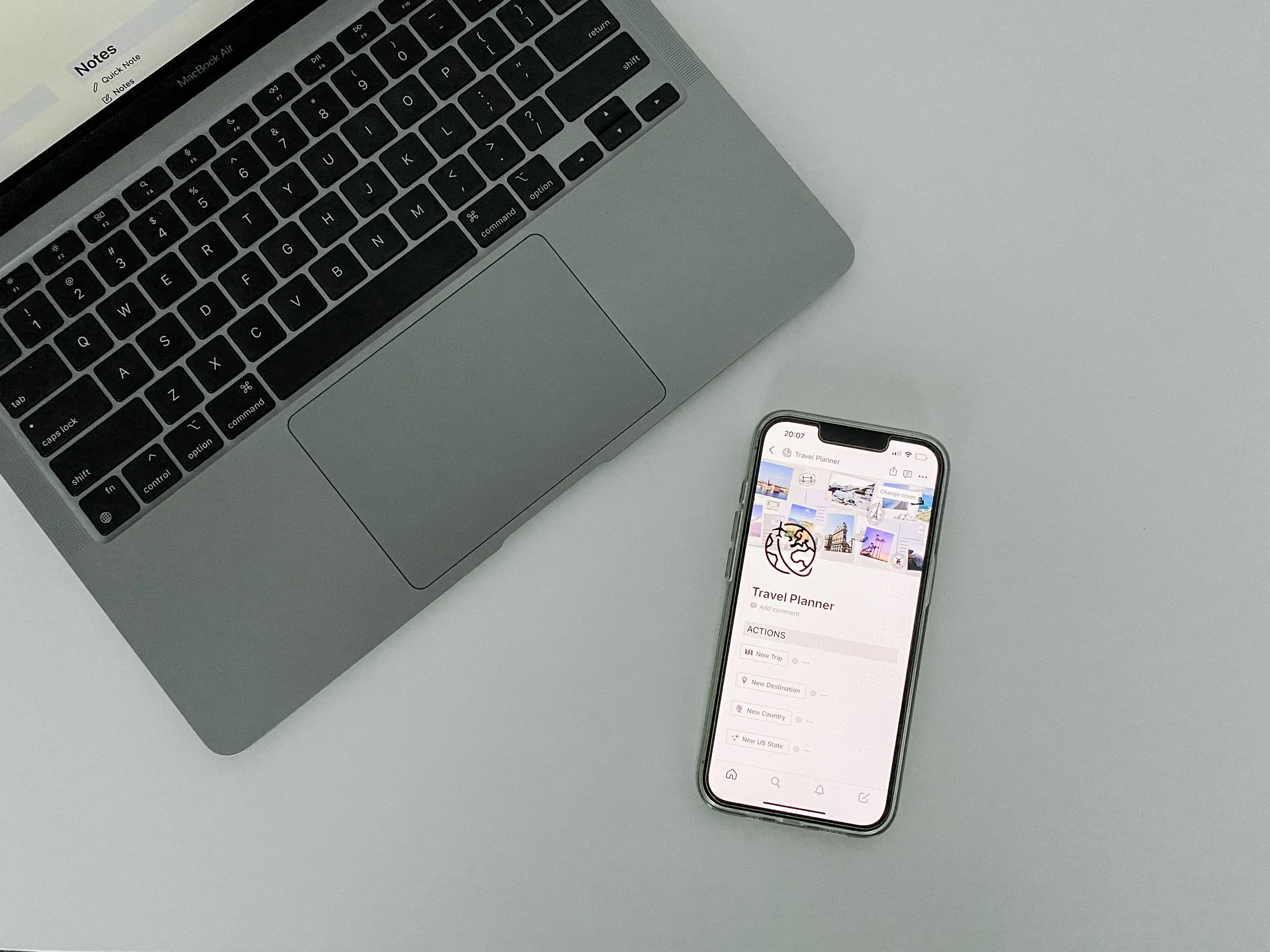
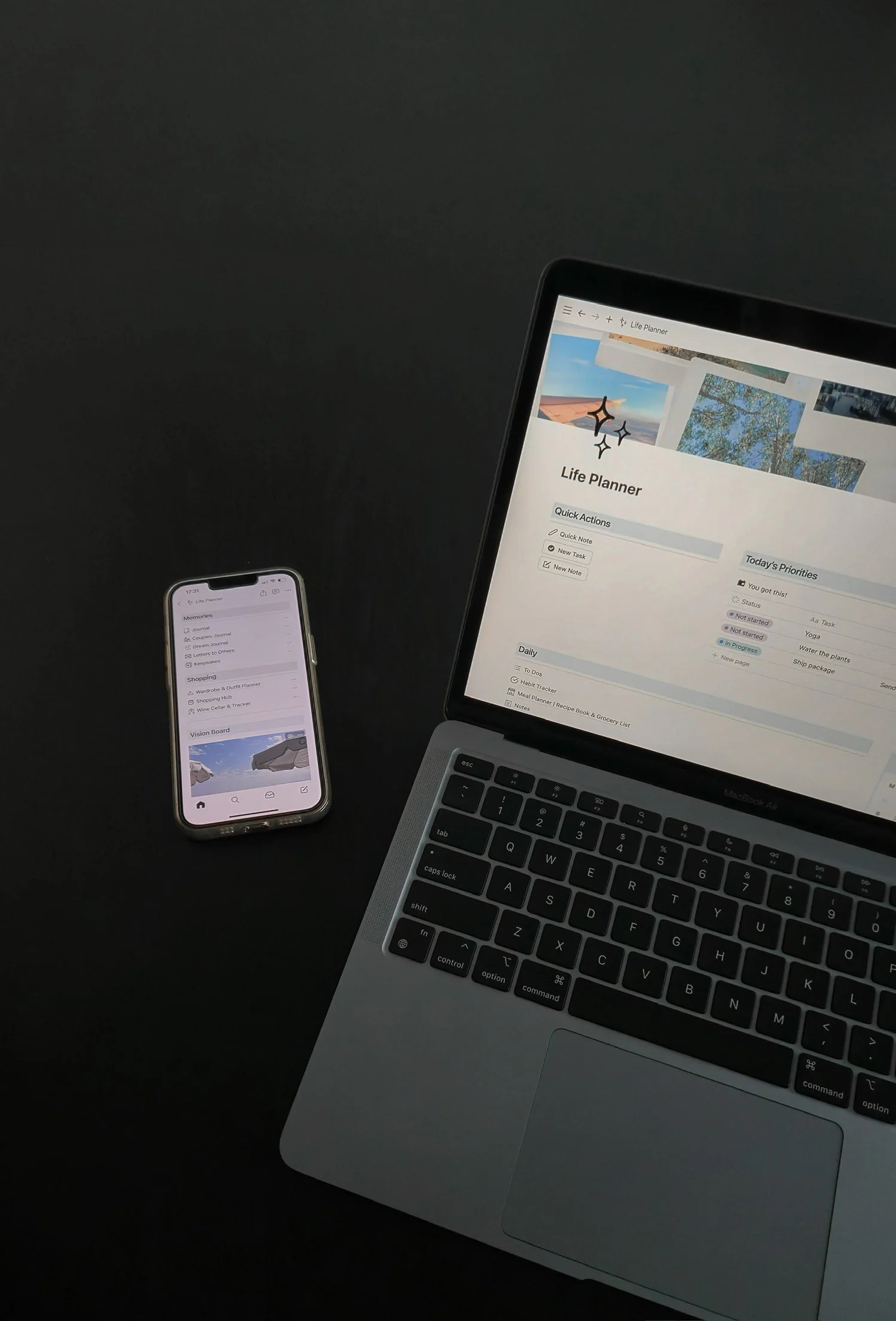
Access on any device (through browsers or apps on laptop, tablet, phone, etc.)
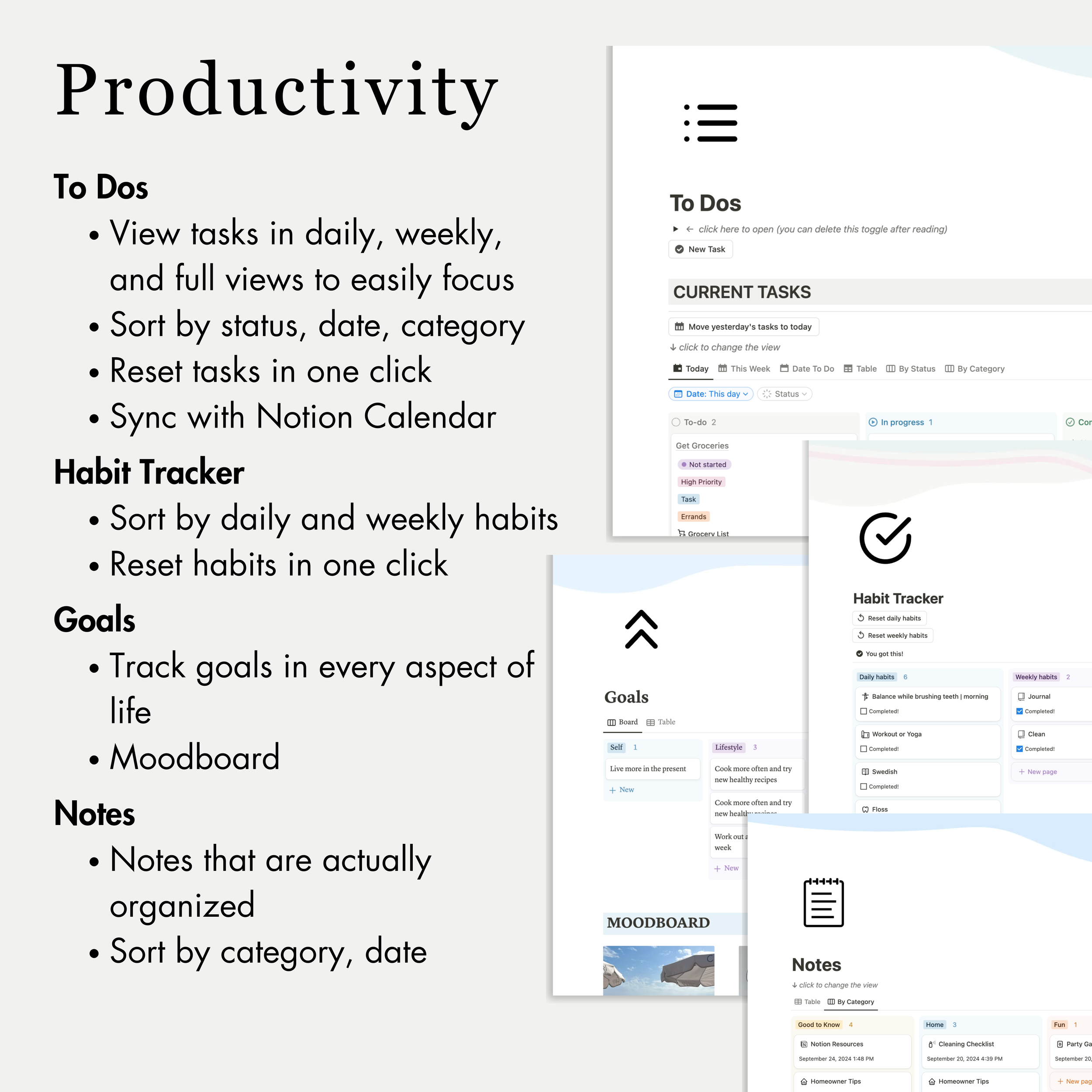
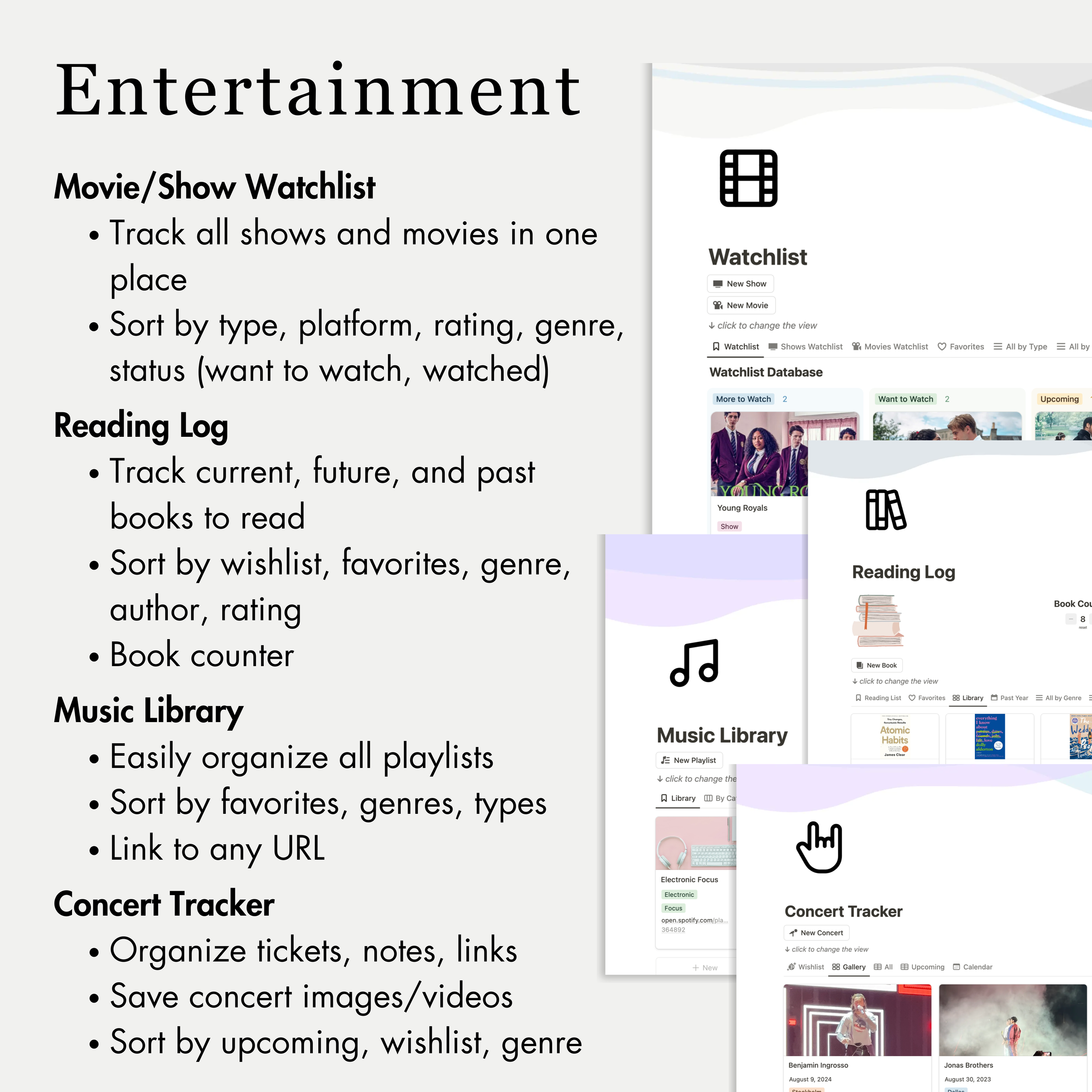
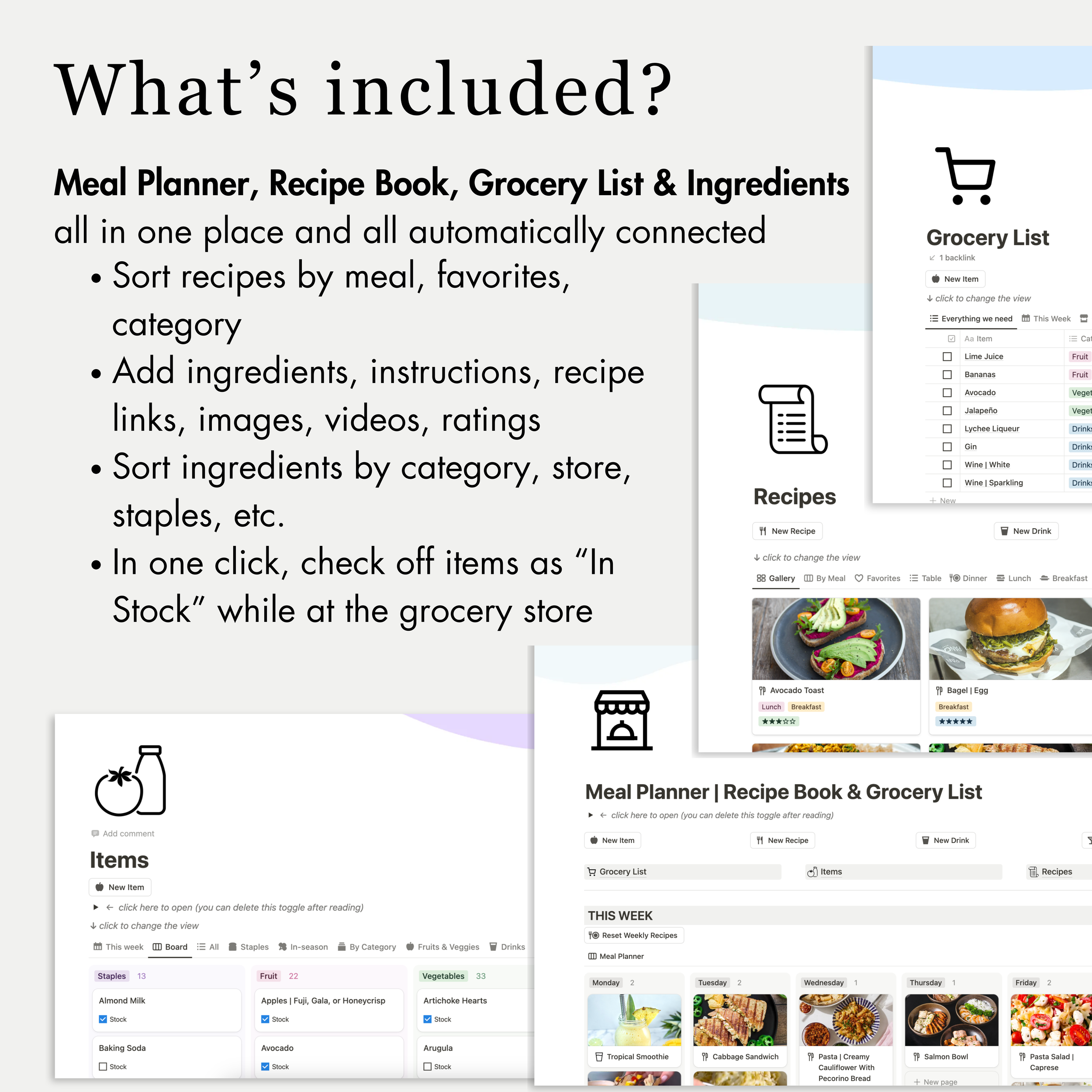
Each section includes features and automated buttons to easily complete actions
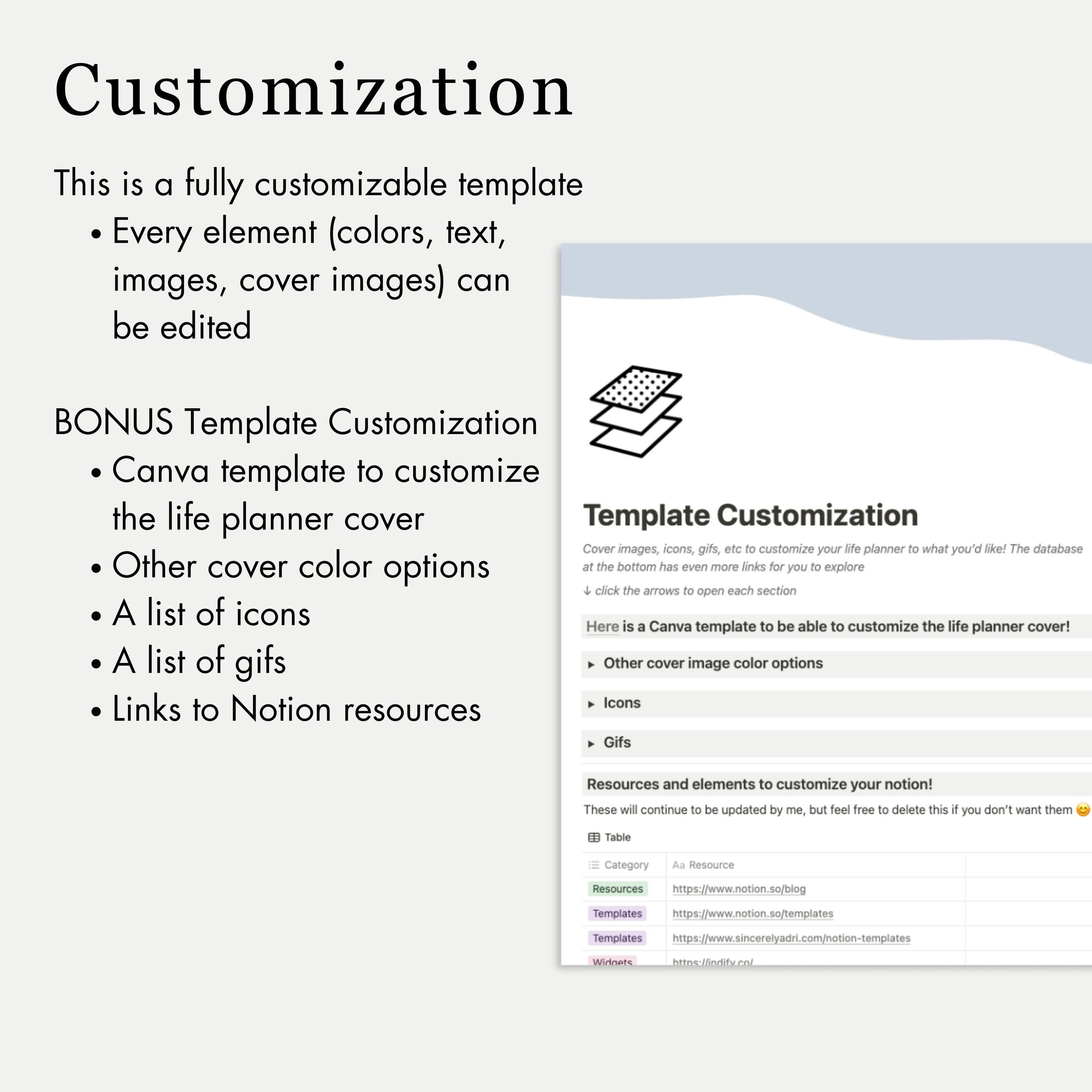
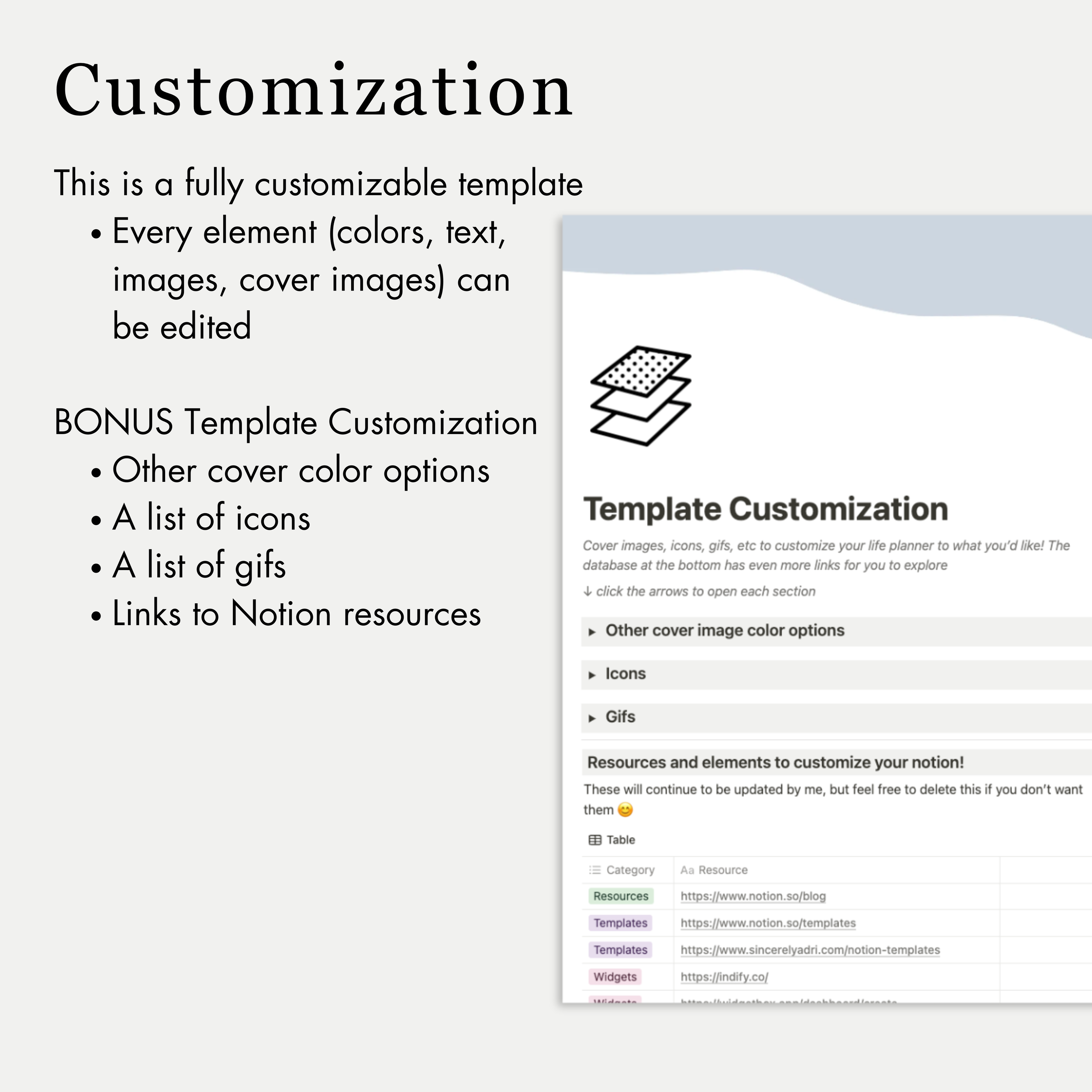
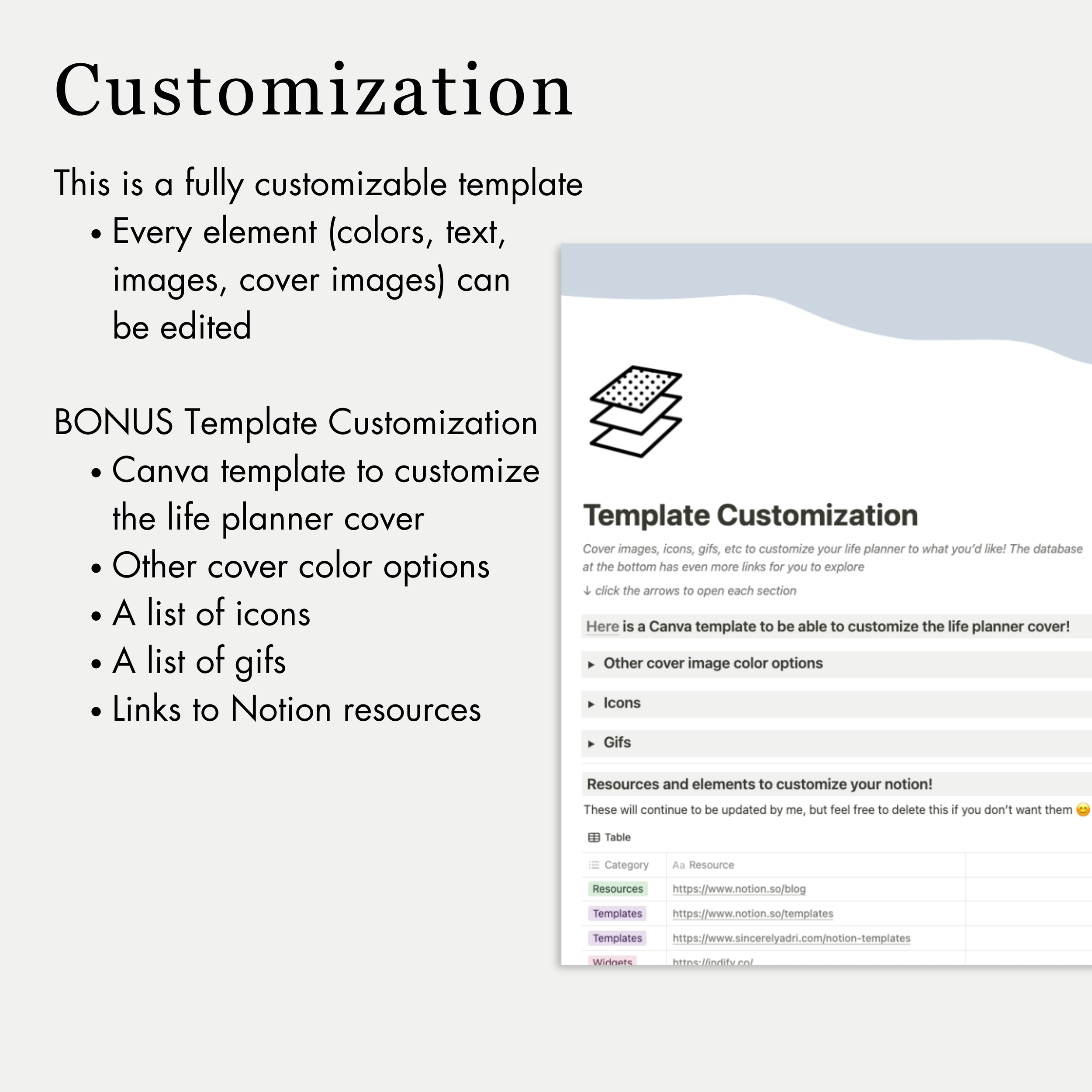
Fully customizable with any layout, colors, icons, gifs you want. I even have a Template Customization section to get started!
And a Notion personal plan is free! You can get Notion here.
Note: You’re able to set up Notion either before or after downloading a template!
Travel Notion Template, Travel Planner template, Travel planner notion template, packing list notion template, travel journal notion template, all-in-one travel planner & journal notion template, Work notion template,All-in-one Work Productivity Dashboard Notion Template, business planner, business planner notion template, work dashboard, task dashboard, to do list notion template, task dashboard notion template, work dashboard notion template, business notion template, best way to organize work, best to do lists, best notion templates, to-do list, best task organization, watchlist template, personal notion template, best notion templates, ultimate travel planner notion template
Why Notion Templates?
Notion templates allow you to instantly get started on the platform without needing to make your own setup from scratch.
I personally use each Notion setup and have created them for myself and my friends & family to feel organized in all aspects of life. I’ve used Notion every single day for years now (I’m not kidding 😬) so I’ve worked through all of the ways to set it up in the best way.
FAQs
-
Notion is a productivity, note-taking, and all-in-one solution to digitally organize any thought you may have in a single platform. Notion is a versatile productivity tool that allows users to create databases, calendars, notes, boards, and more within a single platform.
It’s like a combination of project planners, calendars, Google docs/sheets, Pinterest boards, Instagram saved albums, and so much more.
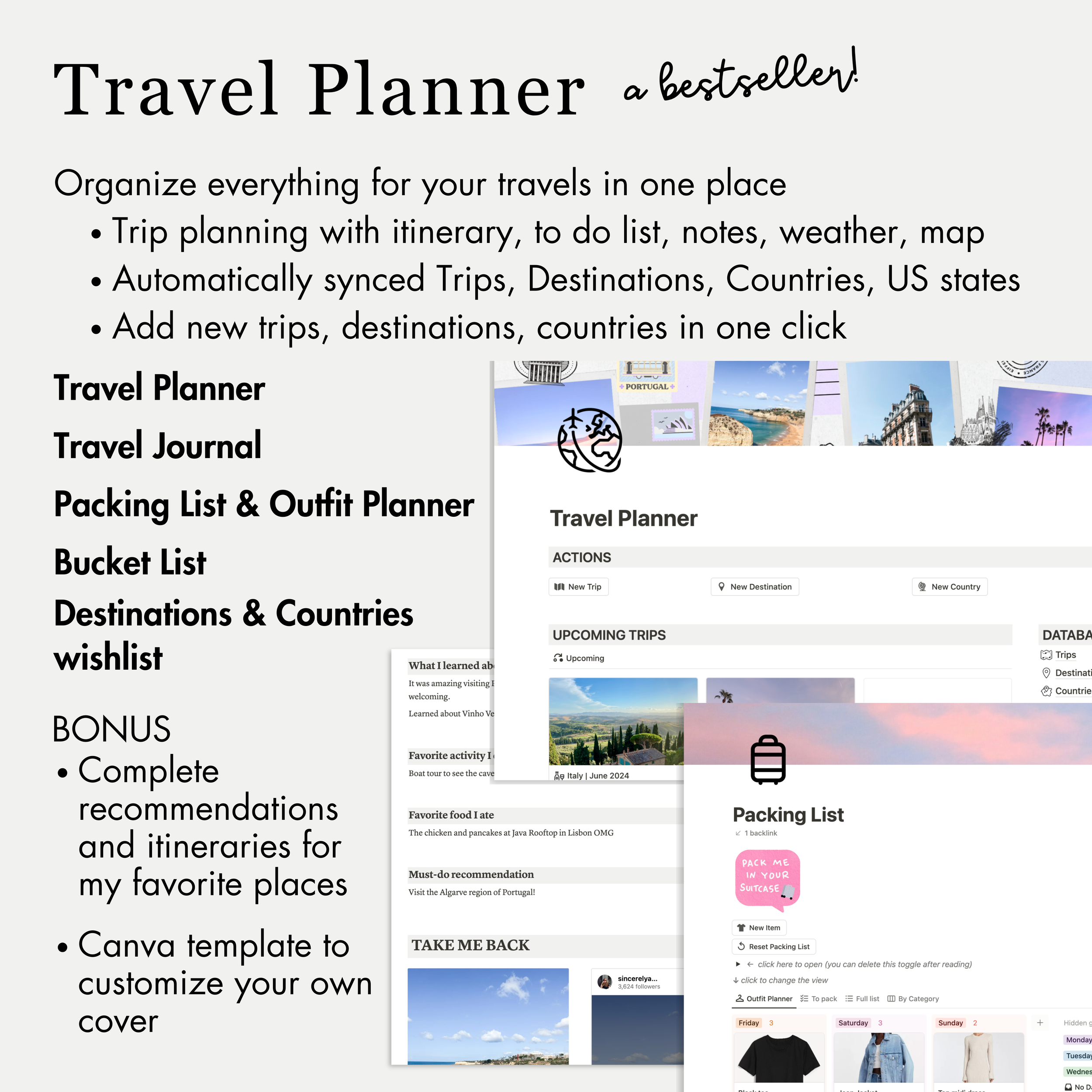
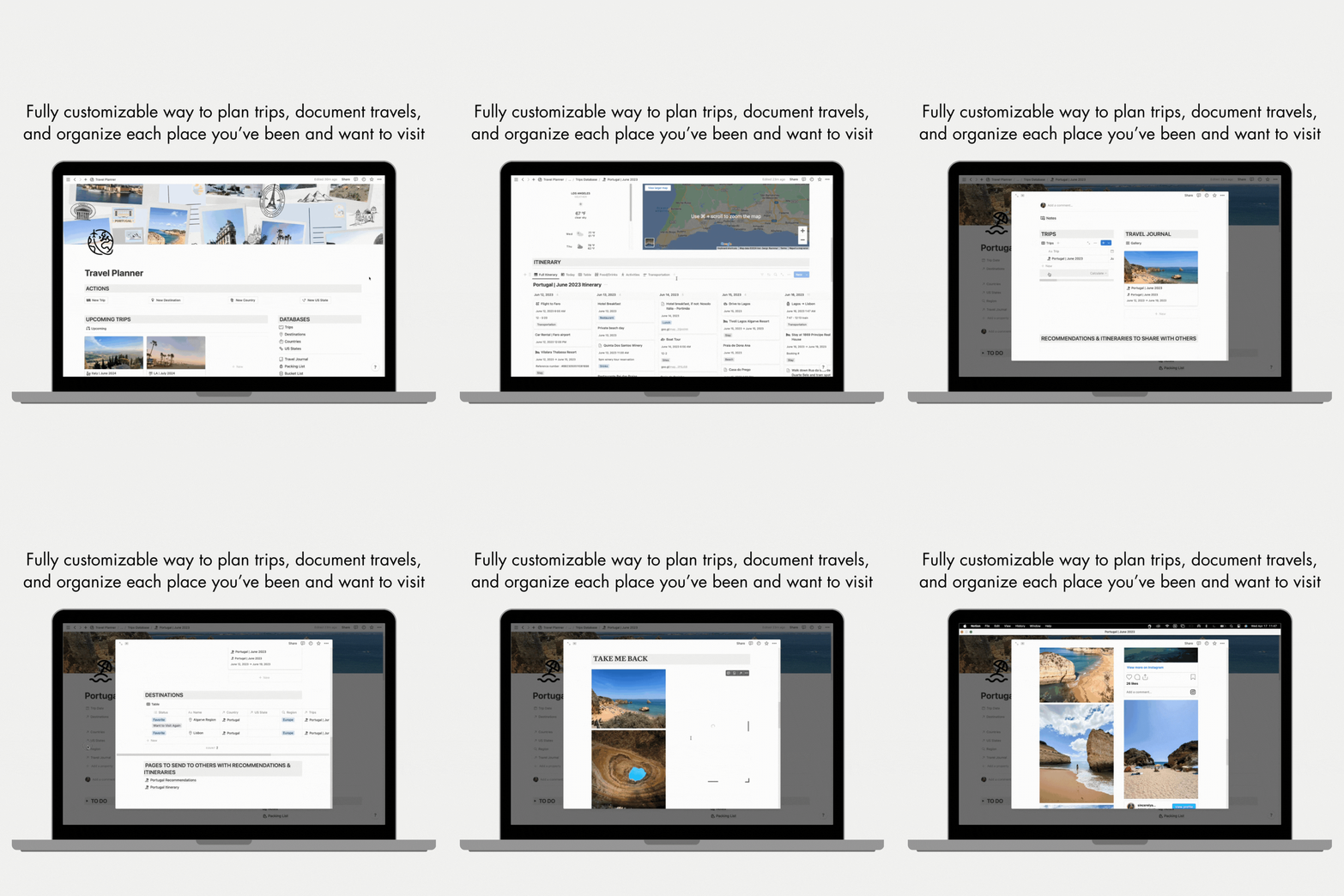
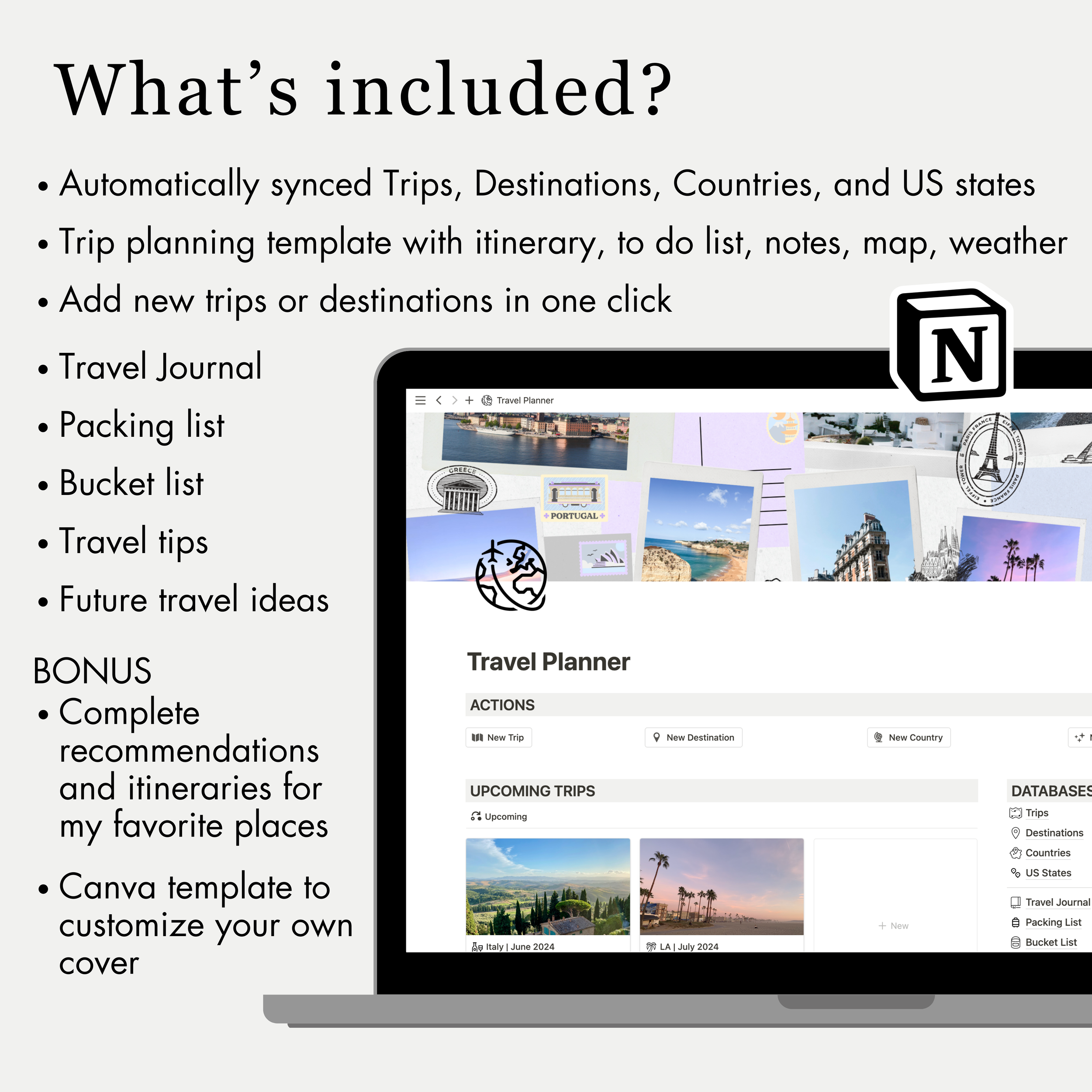
Capture thoughts, manage tasks and projects, plan every aspect of your travels, meal plan, journal your favorite memories, upload your most important photos and videos, the possibilities are truly endless!
I can honestly say that I have no idea how I was able to stay organized with everything in my personal and work life before I had Notion. Everyone close to me has heard me go on and on about how amazing Notion is. That’s exactly why I’ve started providing my templates to others because it’s had such an amazing impact on my life 😊
Learn more about me and how I got into Notion here!
-
There are so many possibilities with Notion, but because of that, it can be difficult and time-consuming to create your setup from scratch.
Notion templates allow you to instantly get started on the platform without having to create your own setup!
Here are a few reasons to consider using Notion templates:
Increased Efficiency: Notion templates provide a structured framework that eliminates the need to start from scratch. By leveraging pre-designed templates, you can save time and focus on using Notion rather than setting up your space.
Customization and Flexibility: Notion templates are highly customizable, allowing you to tailor them to your specific needs. You can edit, rearrange, add, or remove elements to suit your specific needs and preferences. In the majority of my Notion templates, I’ve even provided a section with cover images, icons, gifs, Canva templates, and other elements to easily customize your own Notion template!
Scalability and Adaptability: As your needs evolve, Notion templates can grow with you. You can easily modify or create new templates to accommodate changing requirements, ensuring that your workflow remains efficient and effective.
By leveraging Notion templates, you can streamline your work, enhance productivity, and maintain a cohesive and organized workspace.
I have Notion templates for many different aspects of life and am always adding more based on what I personally find useful as well!
-
Any device! You can access Notion on any device with internet access and can also download the Notion app on your laptop, tablet, or phone for even easier use. Notion even has widgets available for your phone as well.
Notion is free to sign up for a personal plan and you can do so here!
-
Notion is free to sign up for a personal plan and you can do so here!
There are other paid plans but if you’re using Notion for personal use, you shouldn’t need to pay for it. I used Notion for three years before I decided to upgrade to get specific advanced features. I even started selling Notion templates on a free plan!
-
Yes, Notion templates are fully customizable. You can edit, rearrange, add, or remove elements to suit your specific needs and preferences. You can change any layout, colors, icons, gifs you want.
In the majority of my Notion templates, I’ve even provided a section with cover images, icons, gifs, Canva templates, and other elements to easily customize your own Notion template!
-
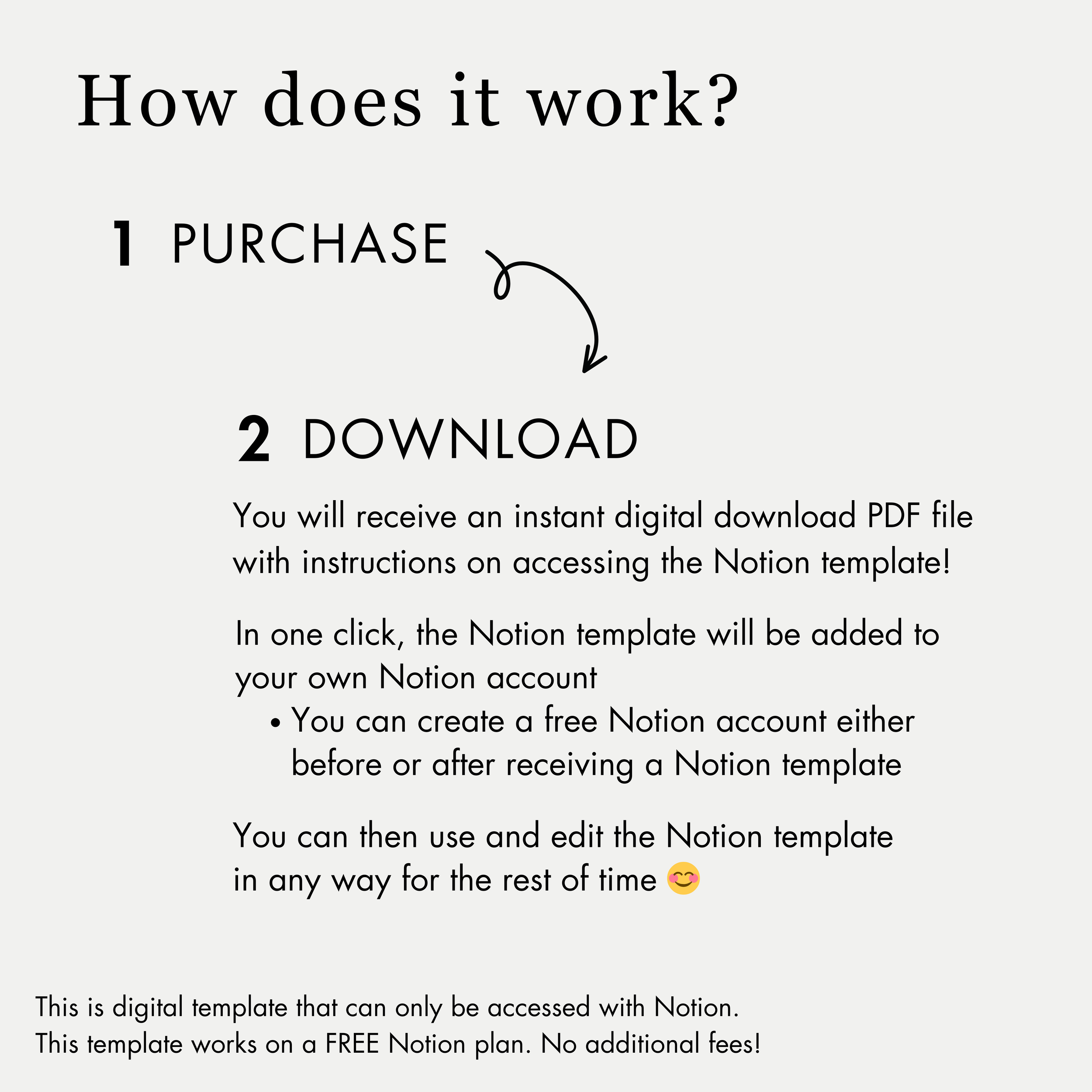
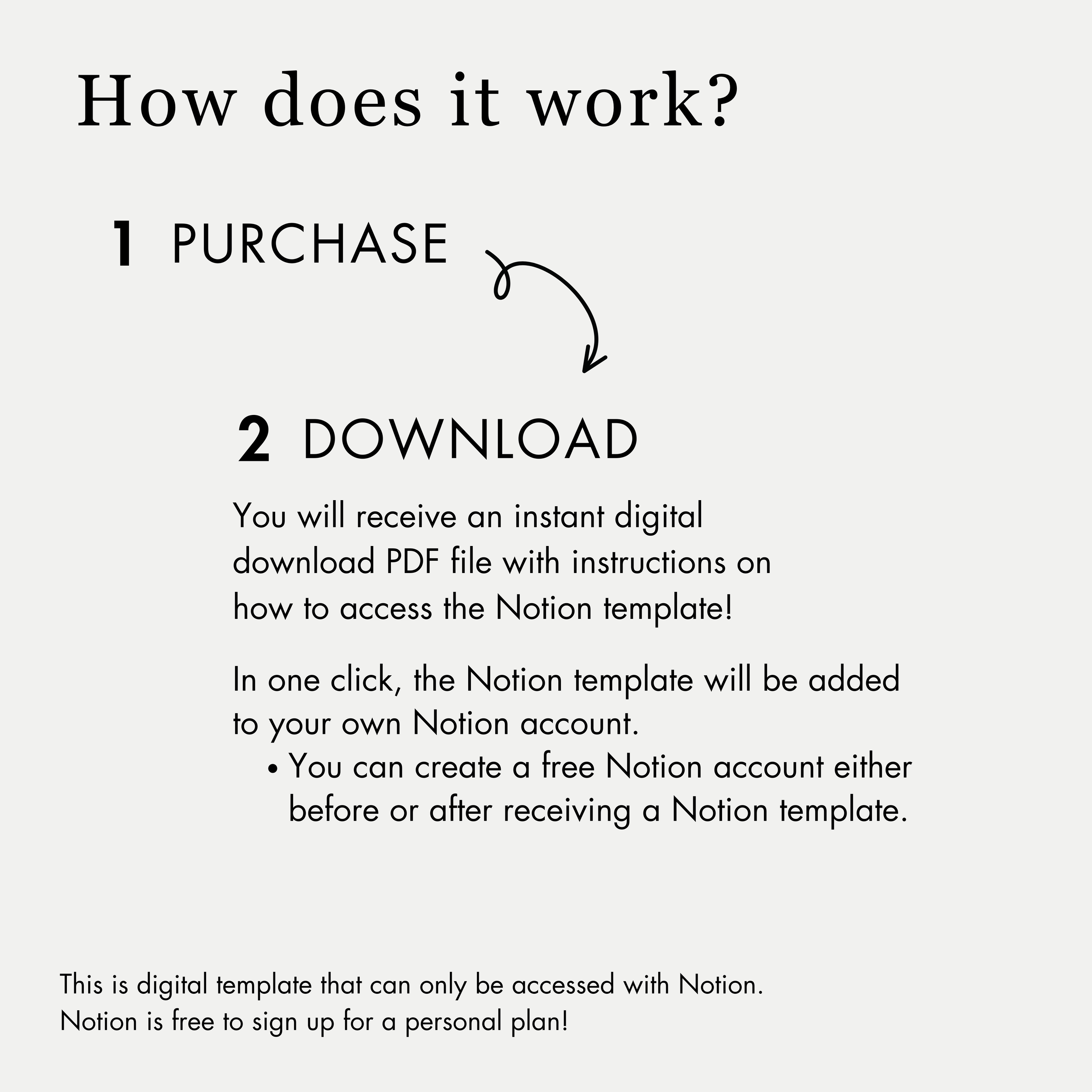
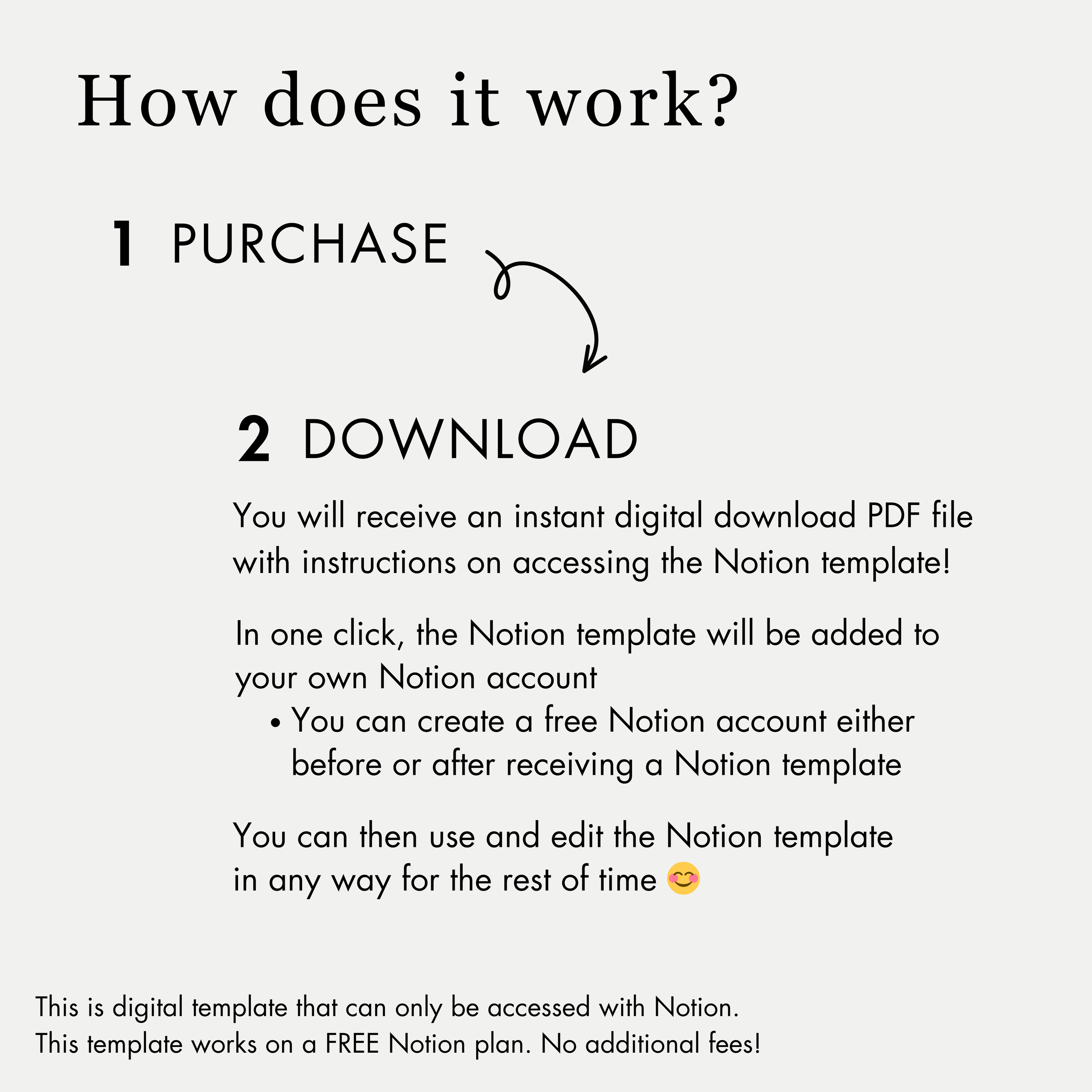
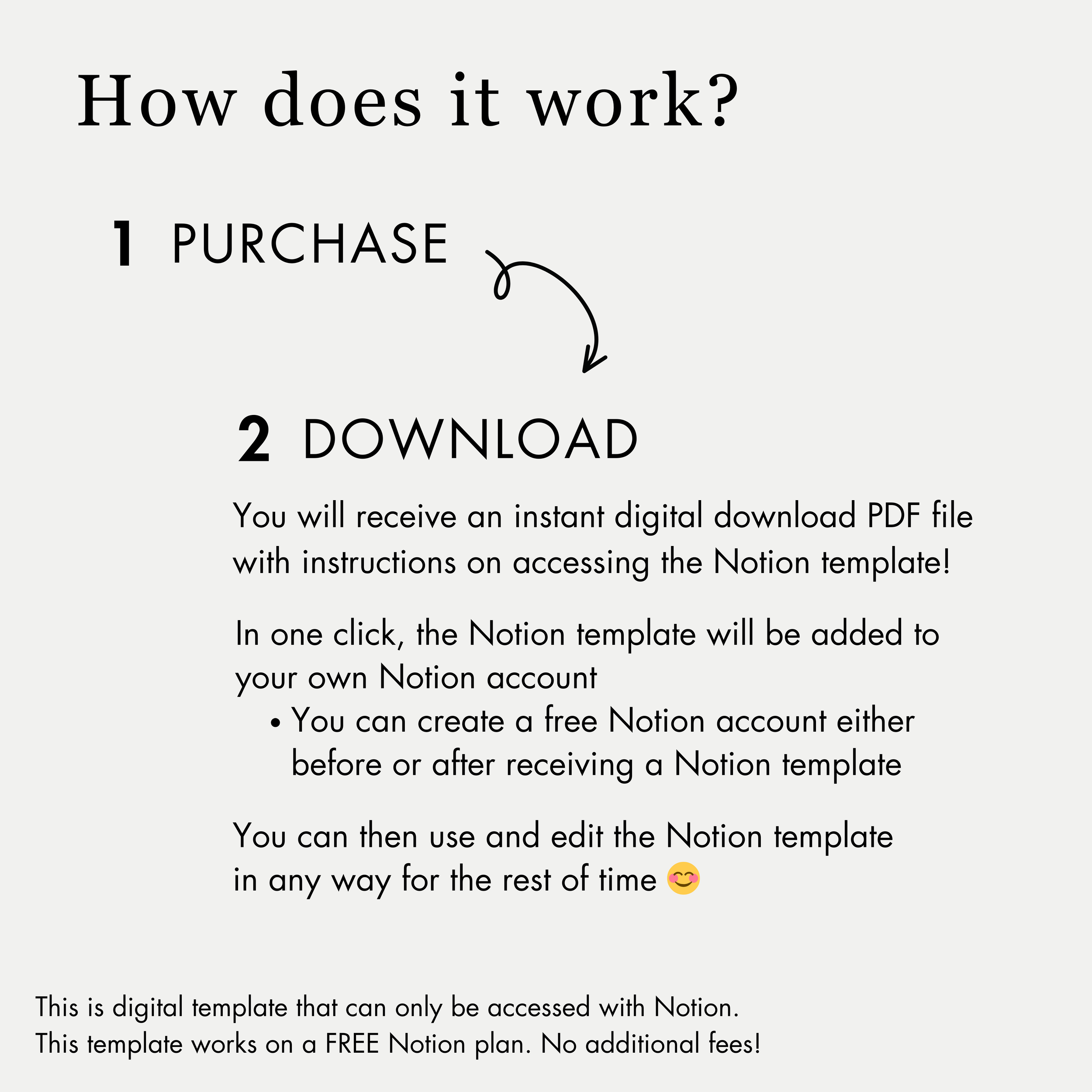
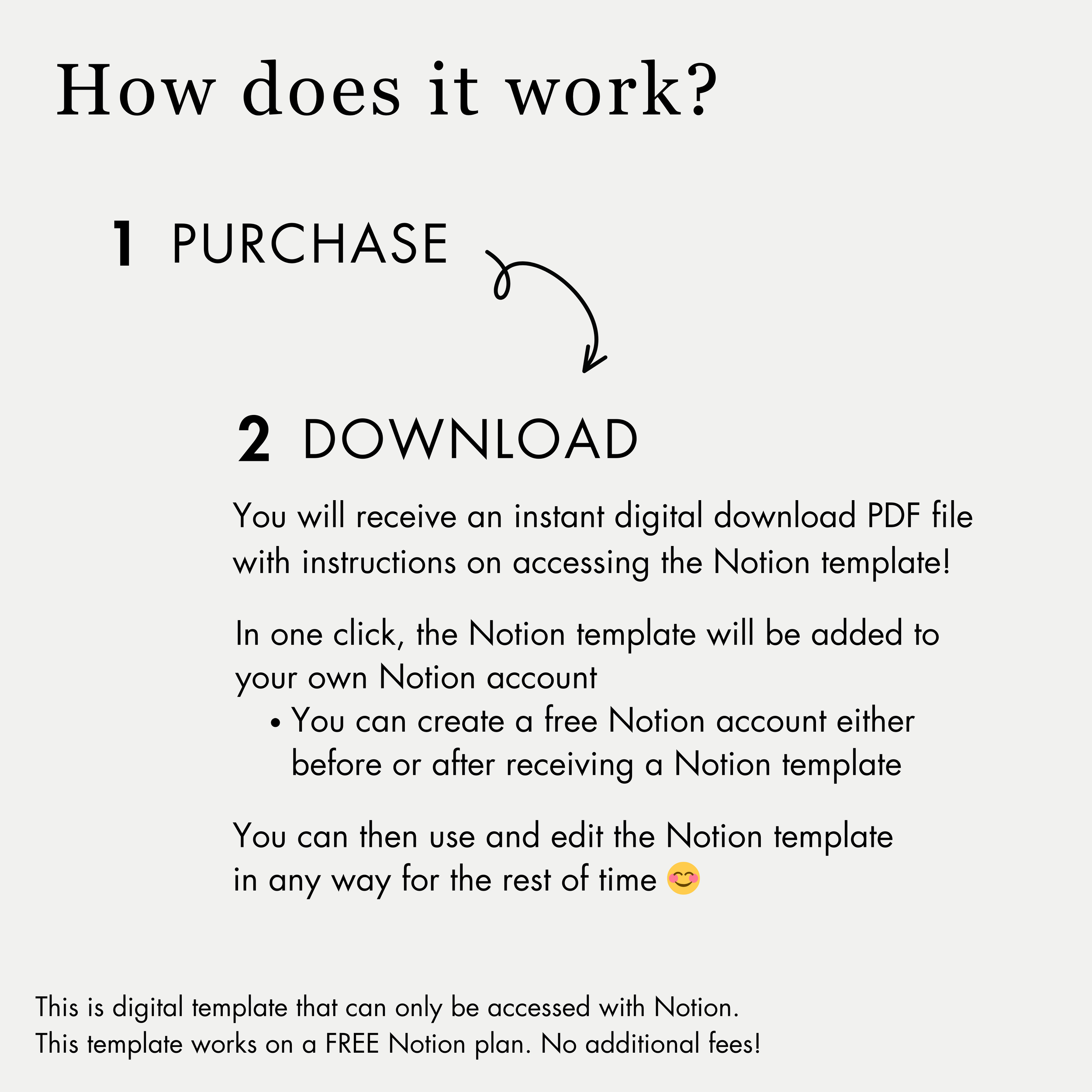
1. Add one or as many templates as you’d like to your cart
2. Complete the purchase on sincerelyadri.com
3. You will receive a PDF file with instructions on how to access each Notion template! In one click, the Notion template will be added to your own Notion account.
It’s that easy!
Note:
This is a digital template that can only be accessed with Notion.
Notion is free to sign up for a personal plan and you can do so here!
You can create a Notion account either before or after downloading a template and it won’t change your ability to access the template.
-
No, please do not share Notion template access with anyone else.
All materials are for personal use only. No part of it may be distributed, sold, or reproduced in any form without the written permission of the creator, Sincerely, Adri.
I also provide Notion Services
Helping people and businesses streamline workflows & personal life
